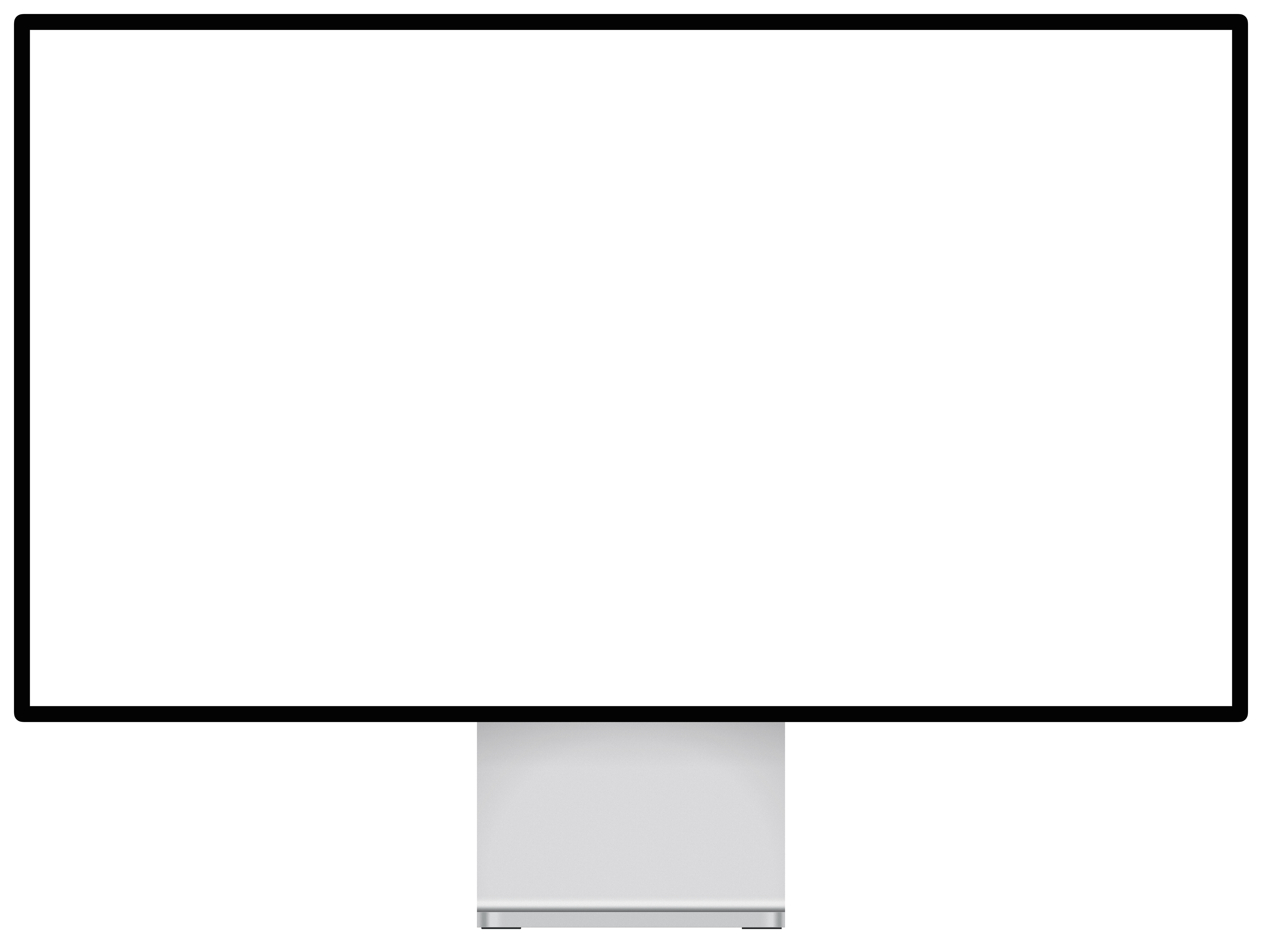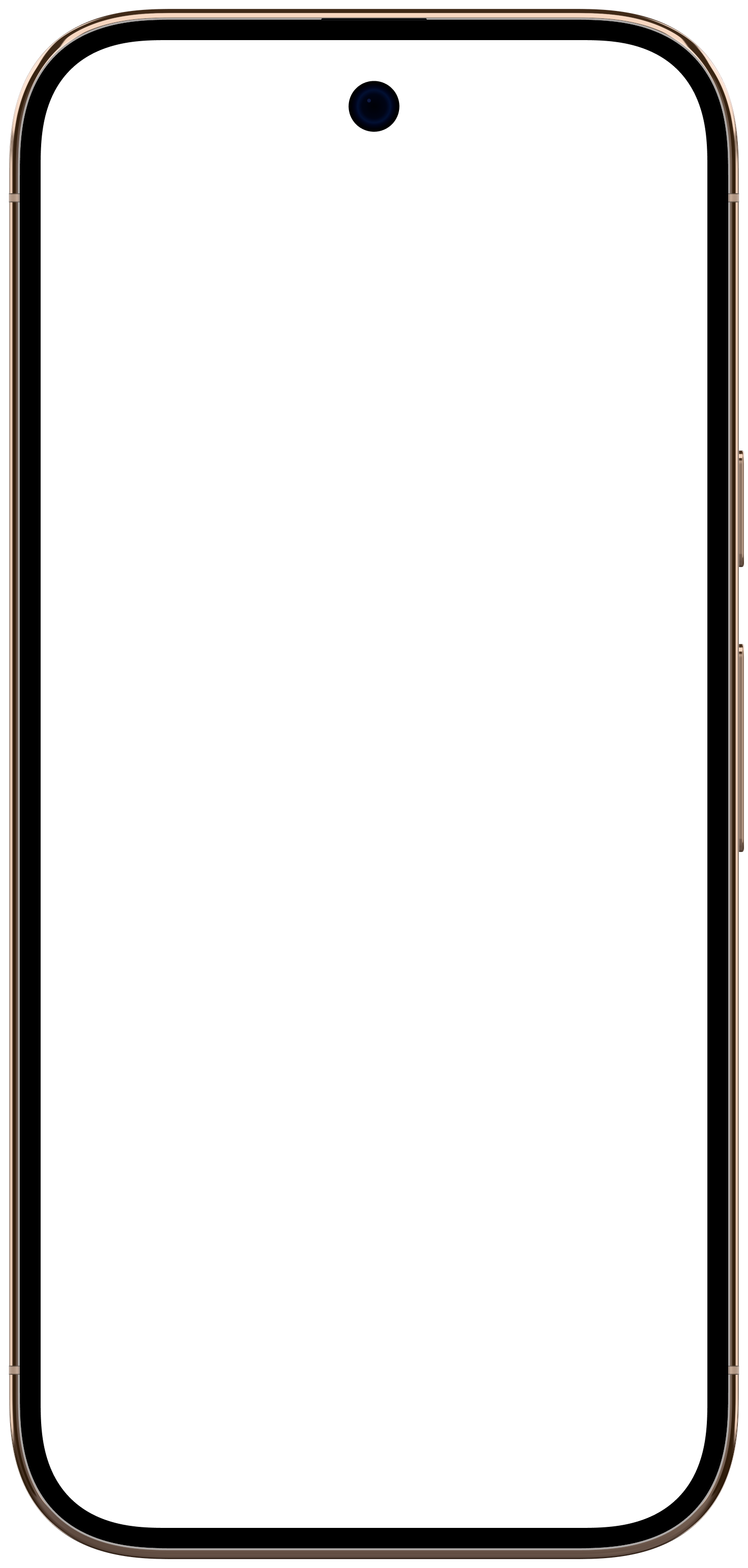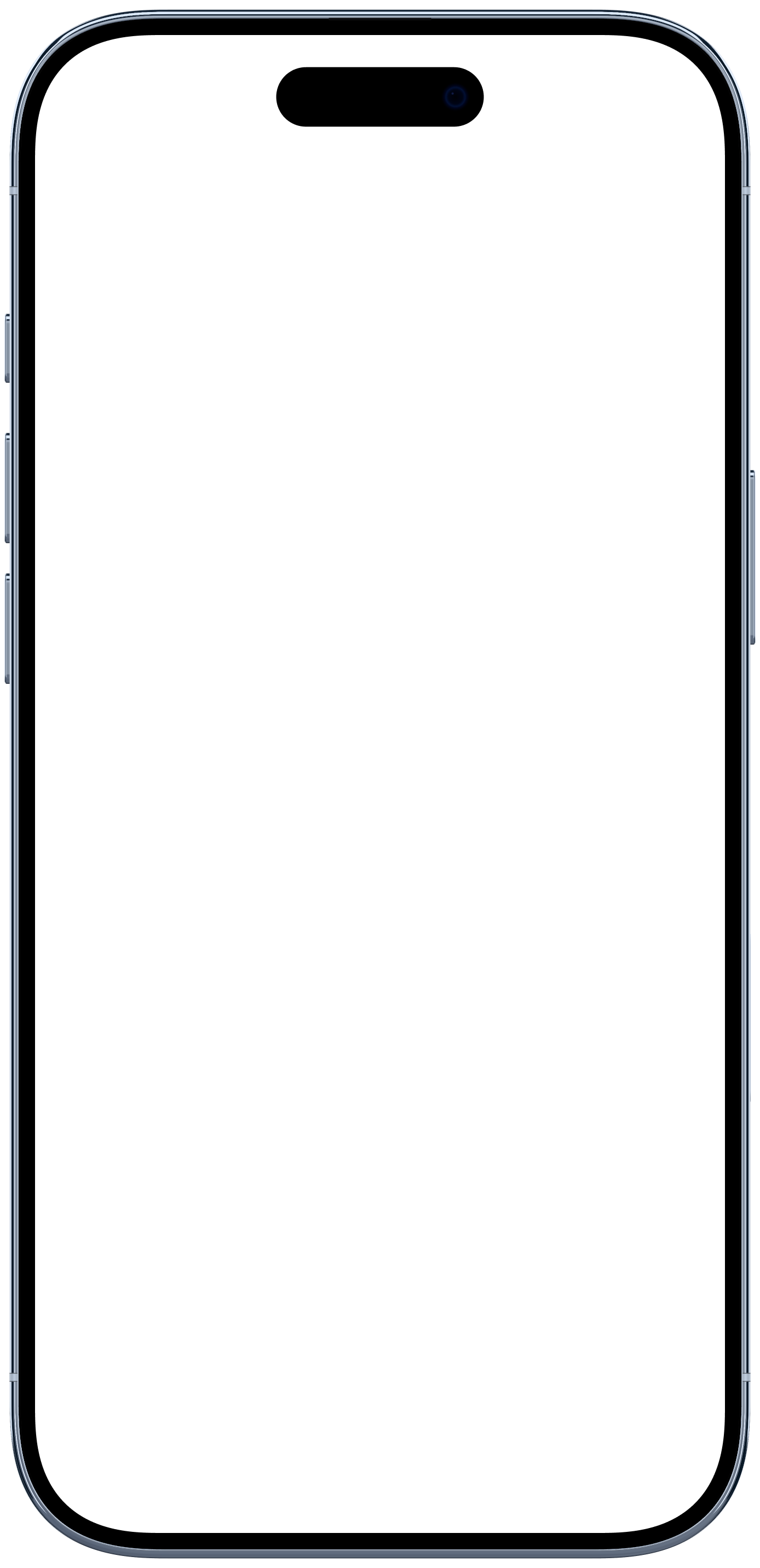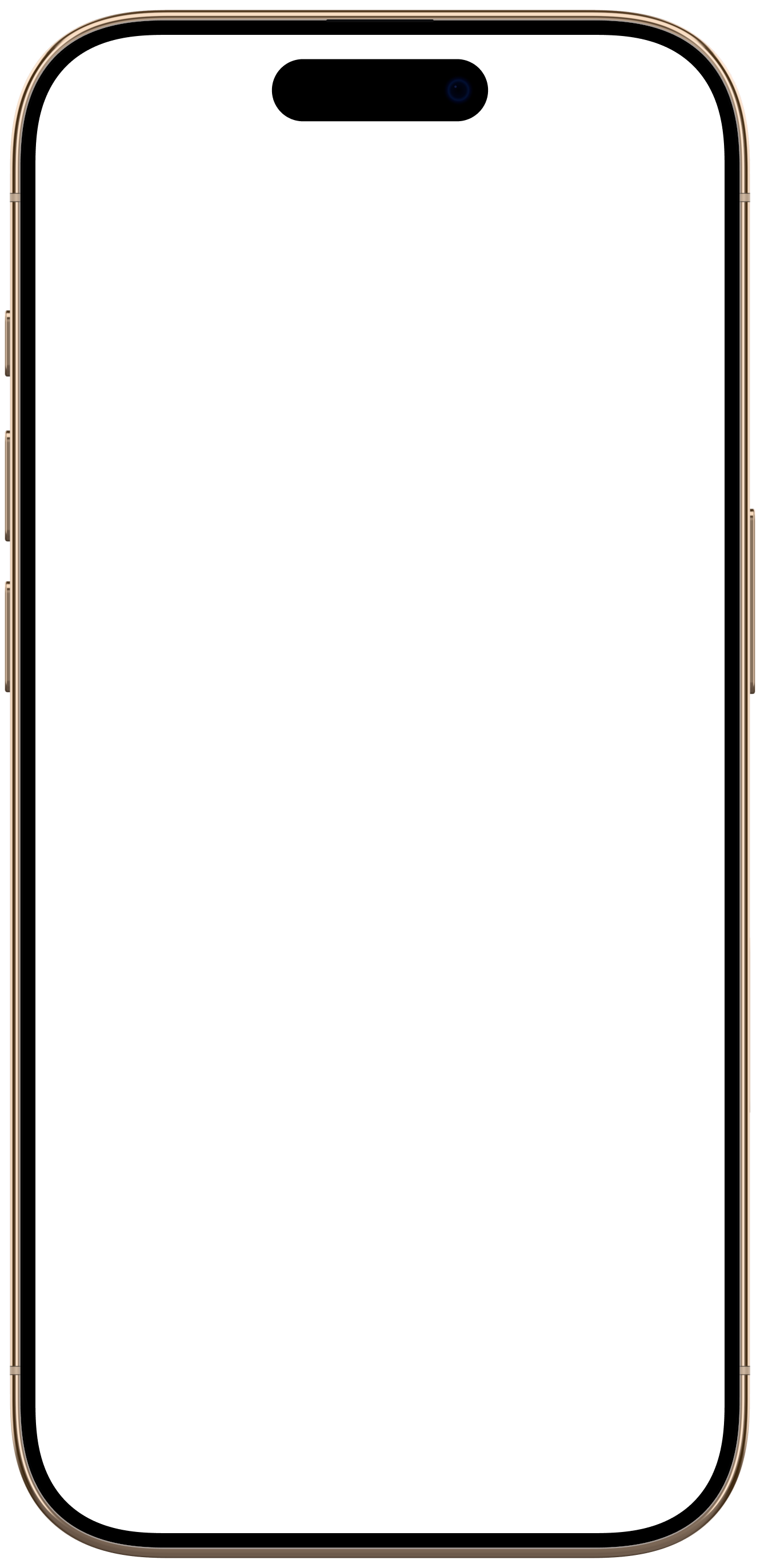


Turn raw screen recordings into launch-ready videos.

Drop in a recording, pick a device, export every size you need. No timeline. No 3D. Nothing to learn.

Start for free. No credit card required.

Studio
MK
Drop a recording
to fill this screen
Drop a recording
to fill this screen
Drop a recording
to fill this screen
0:000:00
launch-demo.mp418.4 MB
  1. Device
  2. Recording
  3. Angle
  4. Backdrop
  5. Export
How it works

From raw take to launch-ready in four moves.

You keep the creative calls. Mockya handles the fiddly ones: the fit, the framing, the light and every crop.

Try it on your recording
Mockya

Built for launch day.

Real hardware, drawn to the millimetre. 19 devices and counting.

Pay when you ship. Not for the months you don't.

On brand without opening a colour picker.

Your unreleased product never leaves your browser.

Every frame lands. Even in 4K, even on a tired laptop.

Trim with two handles. No timeline to learn.

Every size, one export. Recomposed, never cropped.

Devices and canvases

Real devices, to the millimetre.

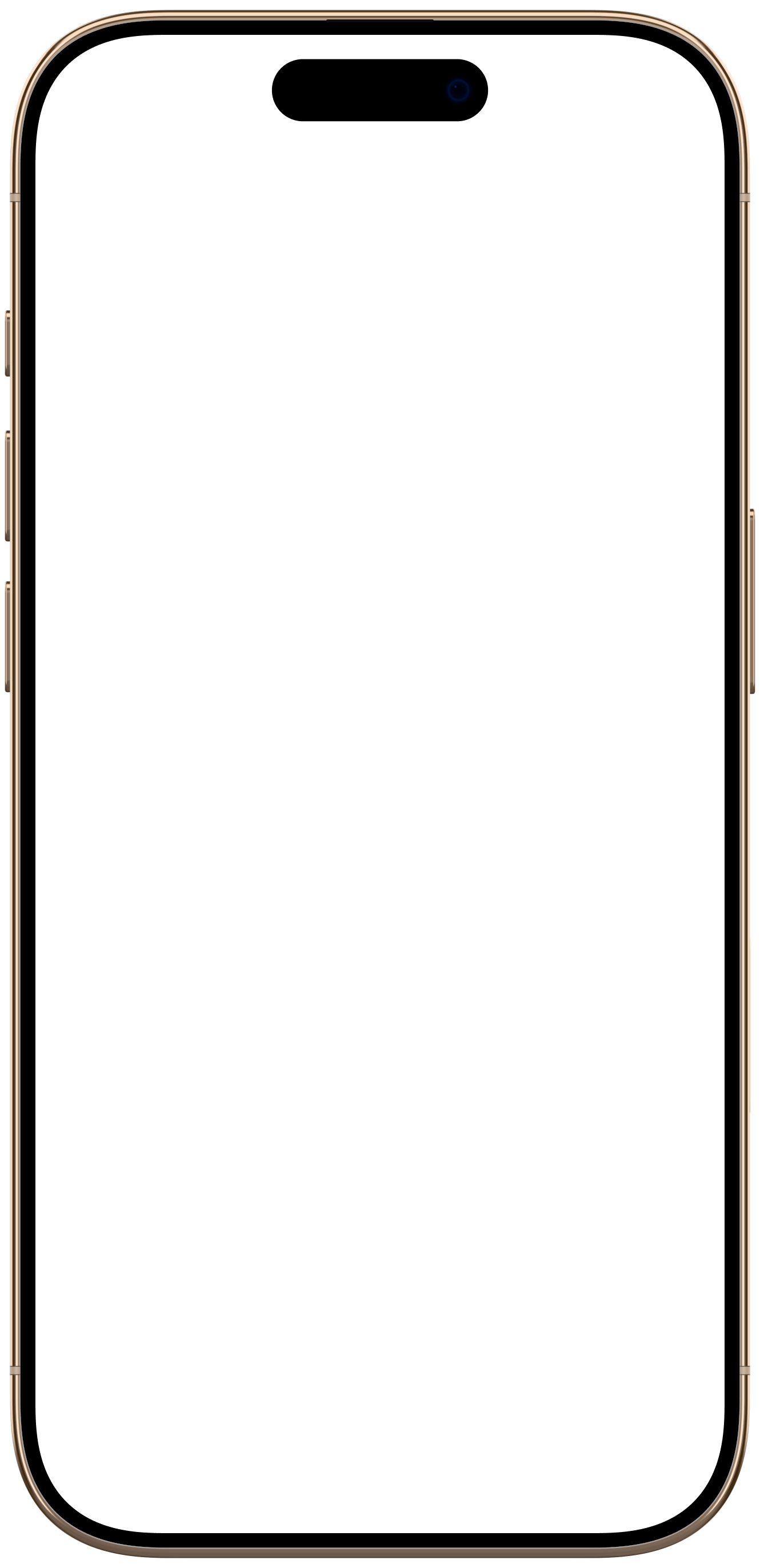
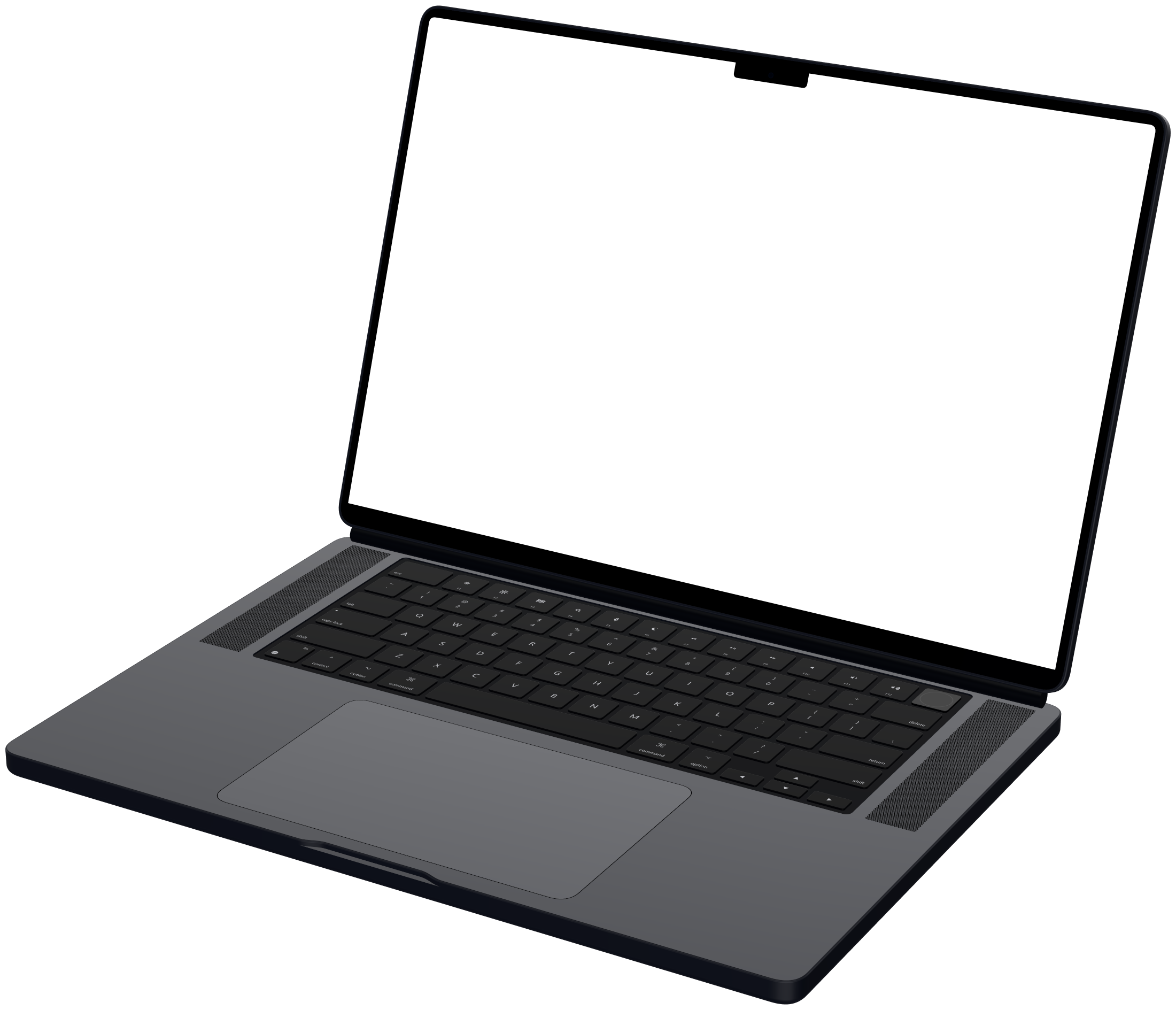
Every frame is built from the maker's published dimensions. Your recording sits under the glass, never past the bezel, and exports at 16:9, 1:1, 4:5, 9:16, 2:1, and 4:3.

Try them in the studio
Why it is different

Mockup tools turned into video editors. We went the other way.

You have the recording. What's left is presentation, not animation.

How Mockya compares with timeline editors and static mockup tools
FeatureMockyaTimeline editorsStatic mockup tools
First usable shot
Drop the file, pick an angle
Build a scene, set a camera, light it
Upload a screenshot, pick a frame
Motion
Your recording plays in the frame
Keyframes you maintain by hand
Not offered
What you bring in
MP4, MOV, WebM and stills
Video and stills
Stills only
Four platform sizes(only in Mockya)
Pick the sizes, export once
Four projects, or a crop that breaks the layout
Resize and download each one
Output
Video and stills, up to 4K
Video, after a render
Stills only
Watermark(only in Mockya)
Never, on any export
Until you pay
Until you pay
Where your file goes(only in Mockya)
Stays in your browser
Uploaded to a server
Next week's video
Start from a saved preset
Rebuild it from memory
Start over

Only in Mockya

Pay for exports.
Nothing else.

Every feature is open to everyone. Edit and preview for free, then spend credits only when you export a video, and only what the Export button shows.

  • No subscription
  • Credits never expire
  • Nothing locked to a pack

Starter

For a launch or the odd update.

$5once

60 credits

$0.08 per credit · The easy start

  • About 3 standard exports
  • Every feature, every device
  • Never expires, top up any time
Get 60 credits

Creator

Most popular

For people who ship every week.

$8once

125 credits

$0.06 per credit · 23% less

  • About 6 standard exports
  • Every feature, every device
  • Never expires, top up any time
Get 125 credits

Studio

Best value

For studios and client work.

$14once

350 credits

$0.04 per credit · 52% less

  • About 17 standard exports
  • Every feature, every device
  • Never expires, top up any time
Get 350 credits

Credits are non-refundable.

Payments are executed and secured by

What an export costs

Shown beside Export before it renders

LengthRounded up to the next 2 seconds
1 per 2 s
ResolutionPer canvas. 2× is the 4K class
0.5× free1× +102× +40
Frame rate30 fps and below cost nothing
60 fps +6
FormatGIFs are kept at 1× and 30 fps
MP4 freeWebM +4GIF +8
More canvasesEach one composed for its own frame
Half the first, rounded up
Transparent backgroundOnce per export, on a still or a GIF
+4 on a PNG+10 on a GIF
Background from your recordingFree to make and preview
+4

Free, always

No credits, no account.

  • Editing and live preview, with every control
  • Every device frame and every view
  • Trim, loop, sound and text layers
  • Every background, including your own
  • PNG stills at any size, no watermark
  • Failed or cancelled exports cost nothing
Open the studio

Every export renders on your own machine.

Still deciding? Read the FAQ

Frequently asked questions

Credits, files, formats and everything in between.

Do I need to make an account to export?

Not to edit, preview or save PNG stills. You sign in when you export a video, or a still with a paid extra, and a new account starts with 25 free credits. No card needed.

How do credits work?

You buy a pack once and spend from it as you export. The price is shown beside the Export button before anything renders, and the export dialog breaks it down line by line. Credits never expire, and a failed or cancelled export costs nothing.

Is anything locked to a bigger pack?

No. Every pack opens every feature, every device and every size. A bigger pack only makes each credit cheaper.

Does my recording get uploaded anywhere?

No. Your browser reads and renders the file on your machine. Nothing goes to a server.

What formats can I bring in?

MP4, MOV and WebM, plus PNG, JPG and WebP stills. If your browser plays it, Mockya can frame it.

What comes out the other end?

MP4 or WebM at 24, 30 or 60 fps, GIFs at up to 30 fps, and PNG stills at any size. Transparent backgrounds come out in PNGs and GIFs.

Can I animate the device itself?

Not with keyframes, on purpose. Pick an angle and your recording plays inside it. For camera moves, a timeline tool suits you better.

Will my clip stay in sync with audio?

Yes. Source audio carries through to the export unless you mute it.

Which browsers work?

Current Chrome, Edge, Safari and Firefox on desktop. Older browsers get a clear notice, not a broken canvas.

Can I use the exports commercially?

Yes, every export, including client work and paid listings. The output is yours.

You have the recording.
Make it count.

Drop the file and see your first frame in seconds. Nothing to install, no account.

Welcome to Mockya

25 free credits are yours

They're already in your wallet: no card needed, and they never expire. Turn your first recording into a device video.

Signup credits

Free credits already claimed

The 25 free signup credits have already been claimed, so none were added to this account. Everything else works as normal, and packs start at 60 credits.

Payment confirmed

Your credits are in

The pack added credits to your wallet. Credits never expire.

New balance0

Sign in to buy credits

Credits are kept on your account, so sign in with Google first. You'll go straight to checkout afterwards.