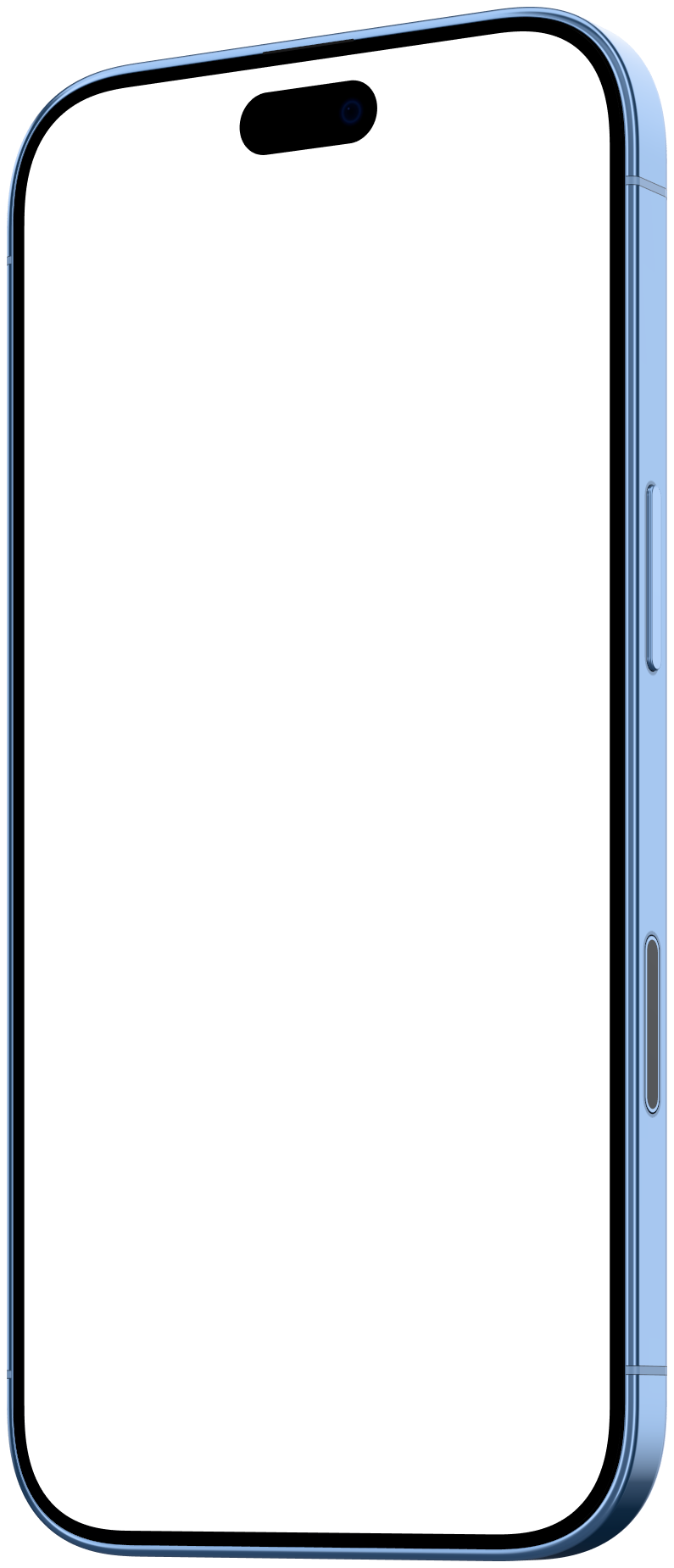
Google Pixel 11 Pro mockup
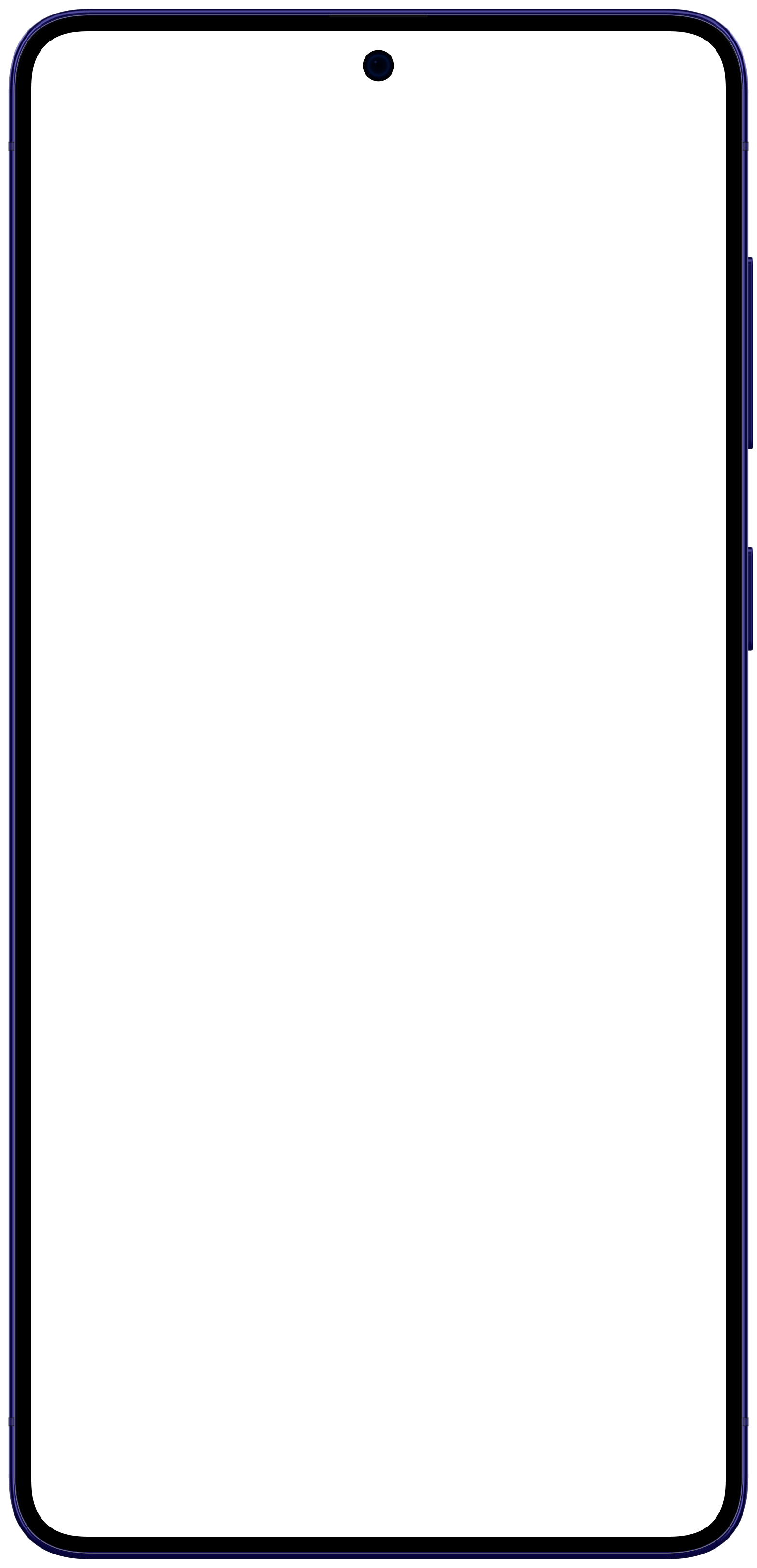
Mockya frames your screen recording in a rendered Google Pixel 11 Pro, in Front, Left and Right angles. Its screen is 1,280 × 2,856 pixels, a 9:20.1 shape, so a recording of that size or shape fills the glass exactly. Export MP4, WebM, GIF or PNG up to 4K, in several sizes at once, with no watermark.
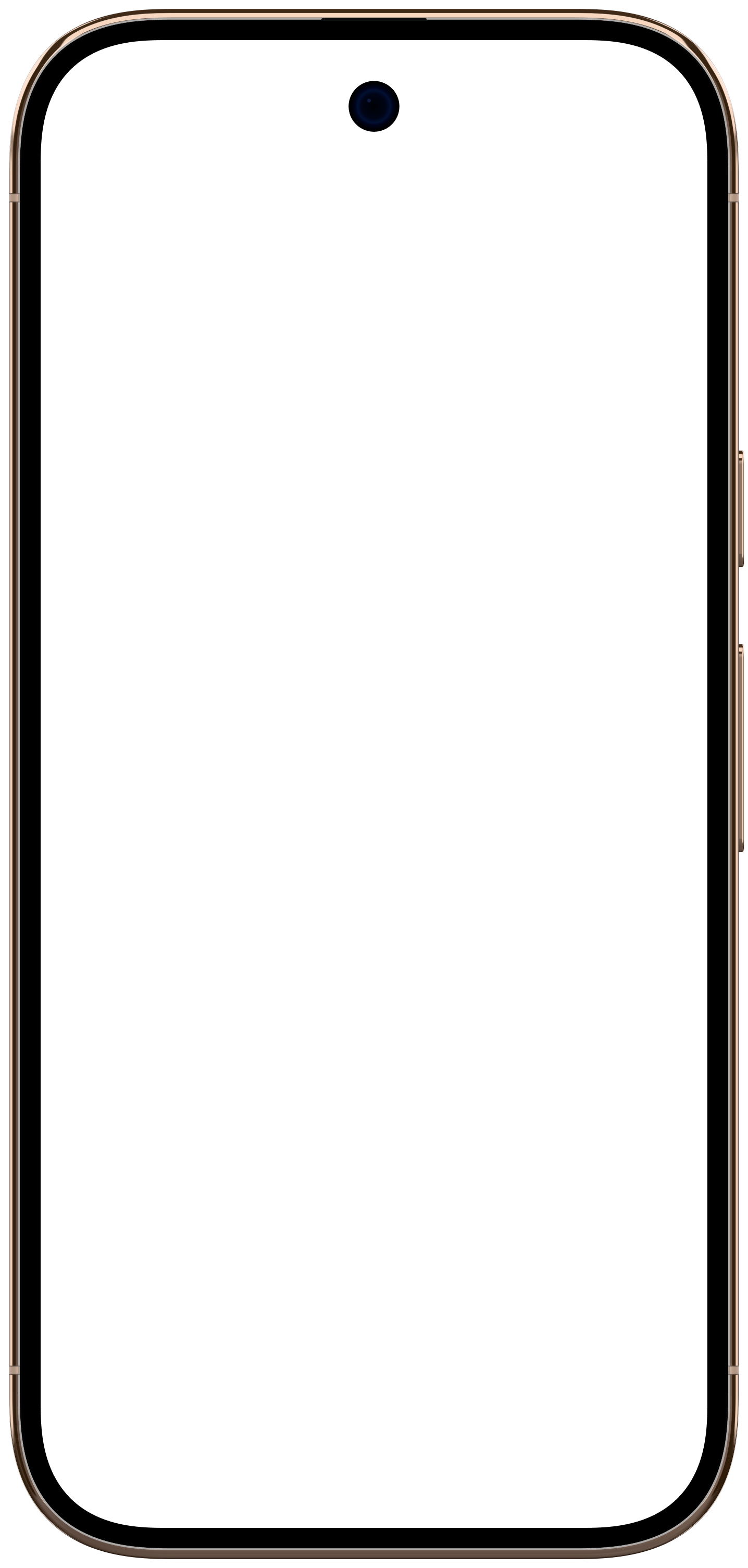
- Native resolution
- 1,280 × 2,856
- Screen shape
- 9:20.1
- Angles
- 3
- Released
- 2026
What angles does the Pixel 11 Pro mockup come in?
Front, Left and Right, each a separate render of the device rather than the front view skewed. Your recording is mapped into each one's screen in perspective.
 FrontUse this angle
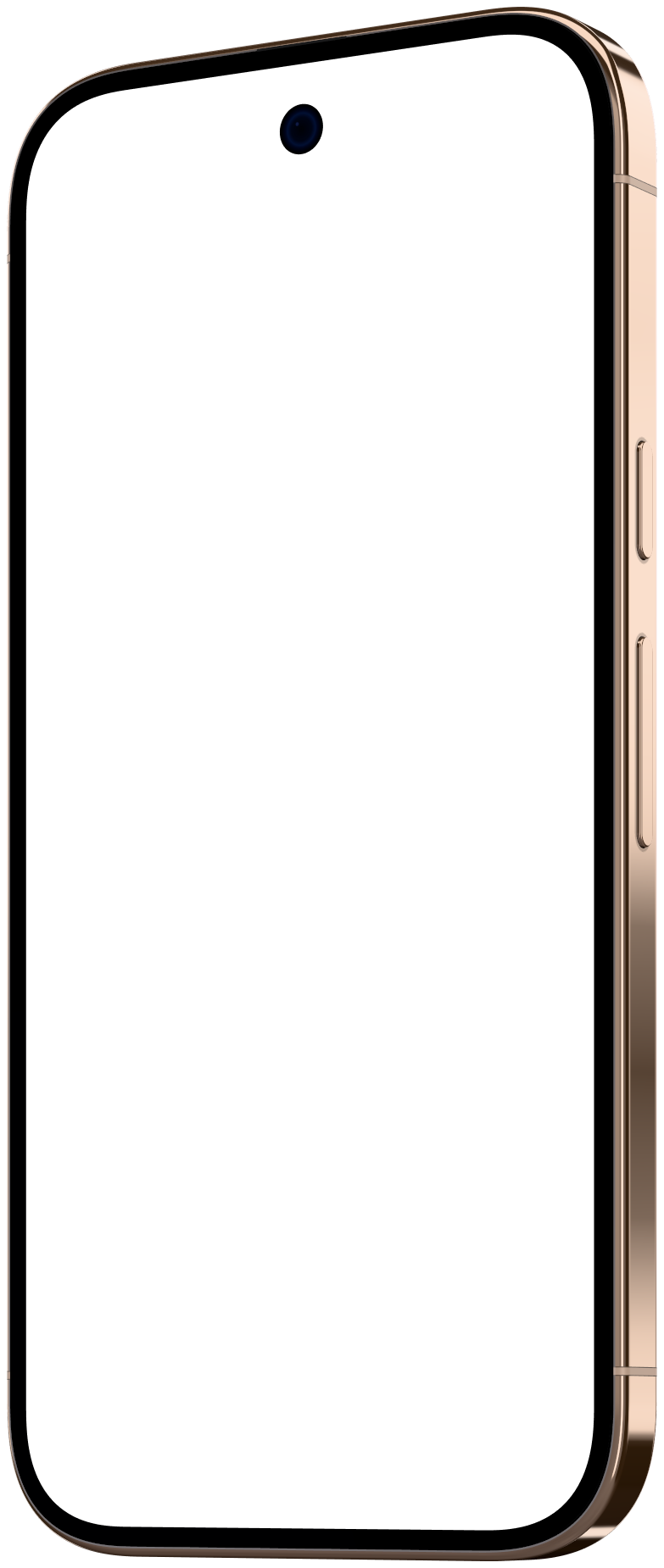 LeftUse this angle
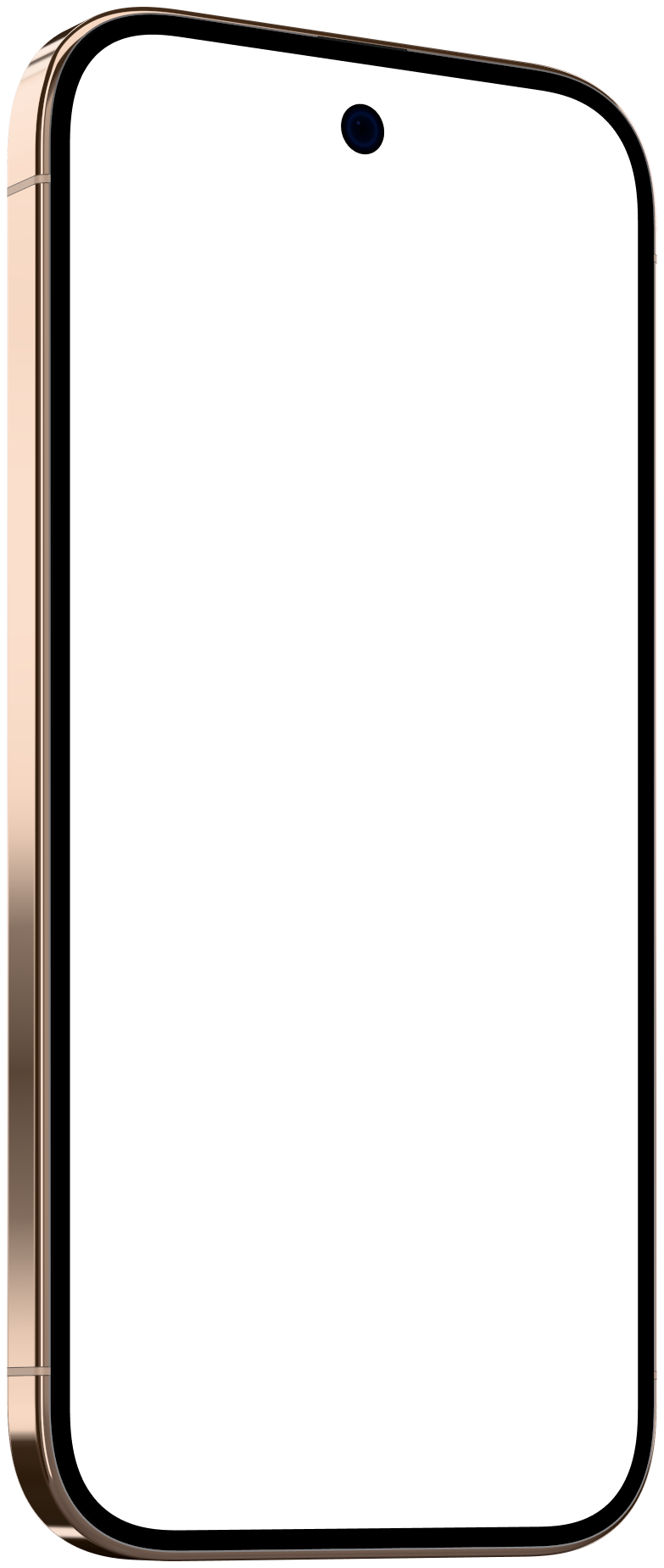 RightUse this angle
What size should I record for the Pixel 11 Pro?
Record at 1,280 × 2,856, the panel's native resolution, or any size with the same 9:20.1 shape. Here is how large the screen lands on the canvases that suit it, at the studio's default framing.
| Canvas | Screen at 1× | Screen at 2× | A native recording is sharp at |
|---|---|---|---|
| 9:16 · 1,080 × 1,920Stories, Reels, TikTok | 724 × 1,615 | 1,448 × 3,230 | 1×, upscaled at 2× |
| 4:5 · 1,080 × 1,350Instagram, LinkedIn | 478 × 1,068 | 956 × 2,136 | 1× and 2× |
| 1:1 · 1,080 × 1,080Feed post | 362 × 808 | 724 × 1,616 | 1× and 2× |
What if my recording is a different shape?
A 1080 × 1920 (9:16) clip is wider than the Pixel 11 Pro's 9:20.1 screen. With Fill, the default, Mockya trims about 20% of its width, evenly from both sides. With Fit, the whole clip shows, with bars where the shapes differ.
Does a bigger recording help?
Only up to the size the screen is drawn on the canvas, shown in the table above. Past that, extra pixels are scaled away. Zooming in on the device in the studio draws the screen larger, and raises what it can use.
How do I record my Android screen for this frame?
- 1
Swipe down twice to open Quick Settings and tap Screen record. If it isn't there, add it with the edit (pencil) button.
- 2
Choose whether to record sound and show touches, then start and use your app.
- 3
Stop from the notification. The clip saves to your gallery, ready to copy to your computer.
Recording over USB with adb
adb shell screenrecord /sdcard/demo.mp4Records the connected phone for up to three minutes; then adb pull /sdcard/demo.mp4 copies it over.
Turn on Do Not Disturb and hide notifications before you record, so nothing slides in over your app.
Which other Android phone frames are there?

Pixel 11 Pro mockup questions
What is the Google Pixel 11 Pro screen resolution?
1,280 × 2,856 pixels, a 9:20.1 shape. Mockya's Google Pixel 11 Pro frame maps your recording to exactly that panel, under the glass and never past the bezel.
What size should I record for a Google Pixel 11 Pro mockup?
1,280 × 2,856, or any recording with the same 9:20.1 shape. 9:16 at 1× draws the screen at 724 × 1,615, so a native recording is sharp at 1×.
Which angles does the Google Pixel 11 Pro mockup have?
Front, Left and Right. Each is its own rendered view of the device, and you switch between them in one click without re-placing anything.
Can I use the Google Pixel 11 Pro mockup commercially?
Yes. Everything you export from Mockya can be used commercially, with no attribution and no watermark. The device frame itself can't be resold on its own as a mockup or template.
Your recording, in the Pixel 11 Pro.
Drop in a screen recording, pick a device and export every size you need. Editing is free, and new accounts get 25 credits.
Your files never leave your machine.