What's new in Mockya

The latest Mockya release, on 29 October 2026, every phone, tablet and laptop frame is now a studio render with Front, Left and Right angles, and GIF joins the export formats. Every release since the first version is listed below, newest first, in plain words.

  1. New

    Rendered devices, GIF export and credits

    Every phone, tablet and laptop frame is now a studio render with Front, Left and Right angles, and GIF joins the export formats.

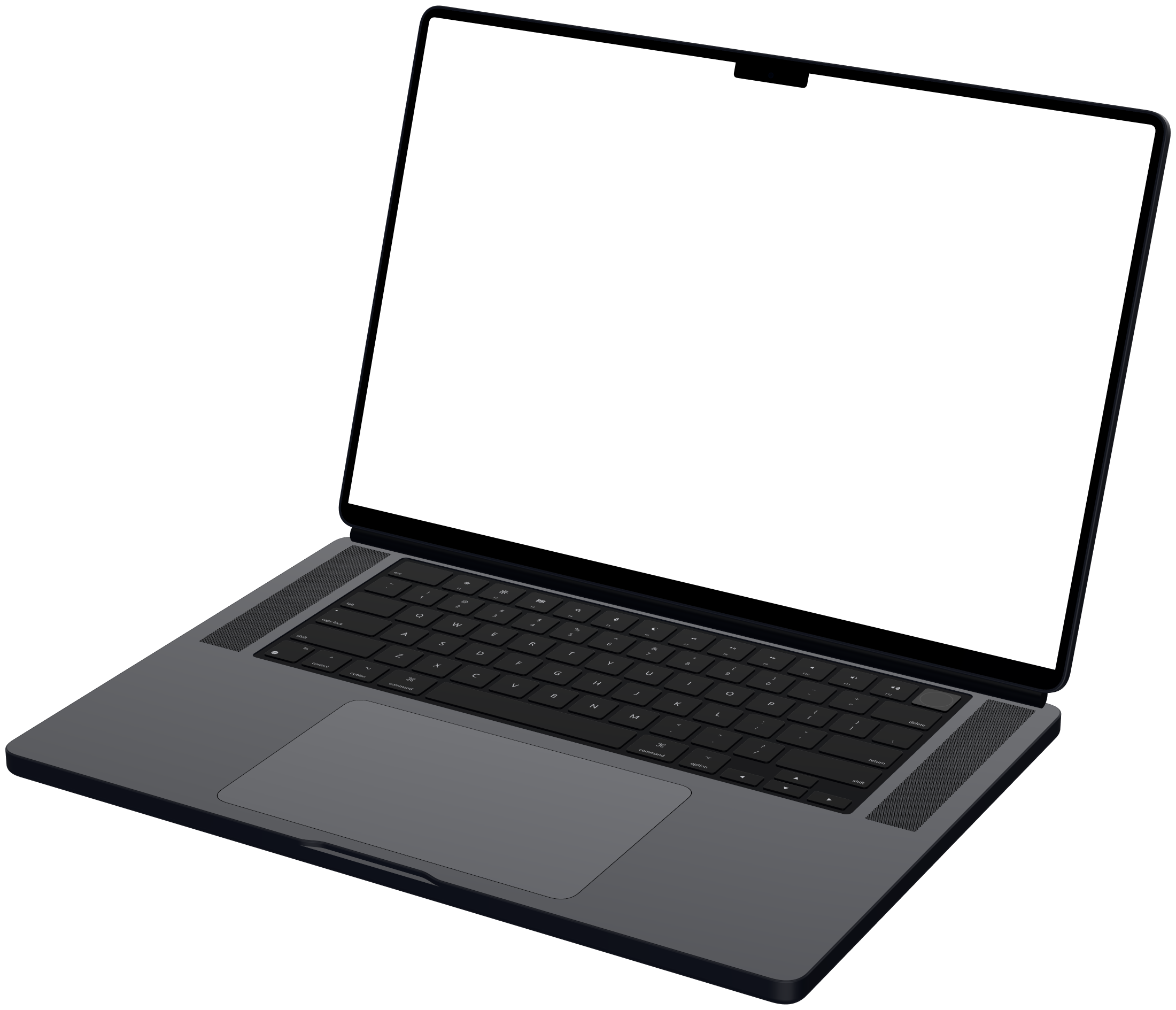
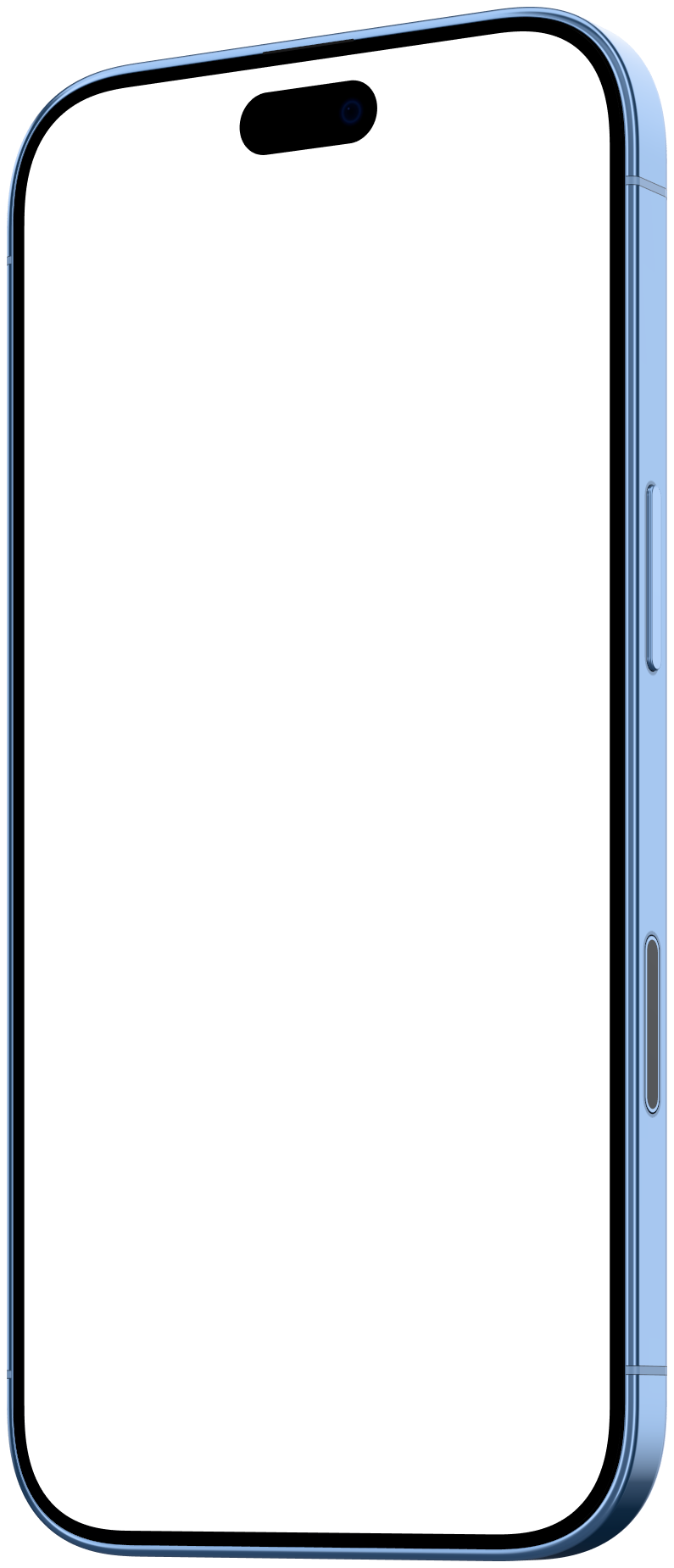
    • New rendered frames for iPhone 16, 17 and 18, iPhone Air, Google Pixel 11 and 11 Pro, Samsung Galaxy S24, S25 and S26 Ultra, iPad Pro 11 and 13 inch, MacBook Air 13 and MacBook Pro 16
    • Every rendered device in three angles: Front, Left and Right
    • GIF export, encoded off the main thread so the studio stays responsive
    • A shadow pad to place the device's shadow by dragging
    • Credit pricing: the cost of an export is shown beside the Export button before it renders

  2. Improved

    Trim, animated backgrounds and colours from your recording

    Cut the start and end of a clip without a timeline, and give it a background that moves.

    • Trim from the media card: a filmstrip with a handle at each end, or I and O at the playhead
    • Exports only decode and render the part you kept
    • Moving mesh and drifting blob backgrounds that loop seamlessly with the clip
    • Backgrounds built from your recording's own colours
    • Your own colour, image or video as the background, or none at all
  3. Improved

    Studio redesign, text layers and offline export

    A new studio with dark mode and a canvas picker, plus text on the canvas and faster, frame-exact exports.

    • Dark mode across the studio and the site
    • Canvas picker for 16:9, 1:1, 4:5, 9:16, 2:1 and 4:3
    • Text layers, with fonts, alignment and styles, and a layers panel to order them
    • Offline export: clips render frame by frame, so every frame lands in the file in time with its sound
  4. Apple Pro Display XDR

    The first rendered device, in Front, Left and Right angles.

    • Apple Pro Display XDR at its native 6016 × 3384, with its stand
  5. Launch

    Mockya, the first version

    Drop in a screen recording, pick a device and an angle, and export.

    • Screen recordings in MP4, MOV and WebM, played inside a device frame
    • Phone, laptop, display and browser window frames, the browser in light and dark
    • Everything runs in the browser; files are never uploaded

Your recording, launch-ready in a minute.

Drop in a screen recording, pick a device and export every size you need. Editing is free, and new accounts get 25 credits.

Your files never leave your machine.

Welcome to Mockya

25 free credits are yours

They're already in your wallet: no card needed, and they never expire. Turn your first recording into a device video.

Signup credits

Free credits already claimed

The 25 free signup credits have already been claimed, so none were added to this account. Everything else works as normal, and packs start at 60 credits.

Payment confirmed

Your credits are in

The pack added credits to your wallet. Credits never expire.

New balance0

Sign in to buy credits

Credits are kept on your account, so sign in with Google first. You'll go straight to checkout afterwards.