Device mockups for screen recordings
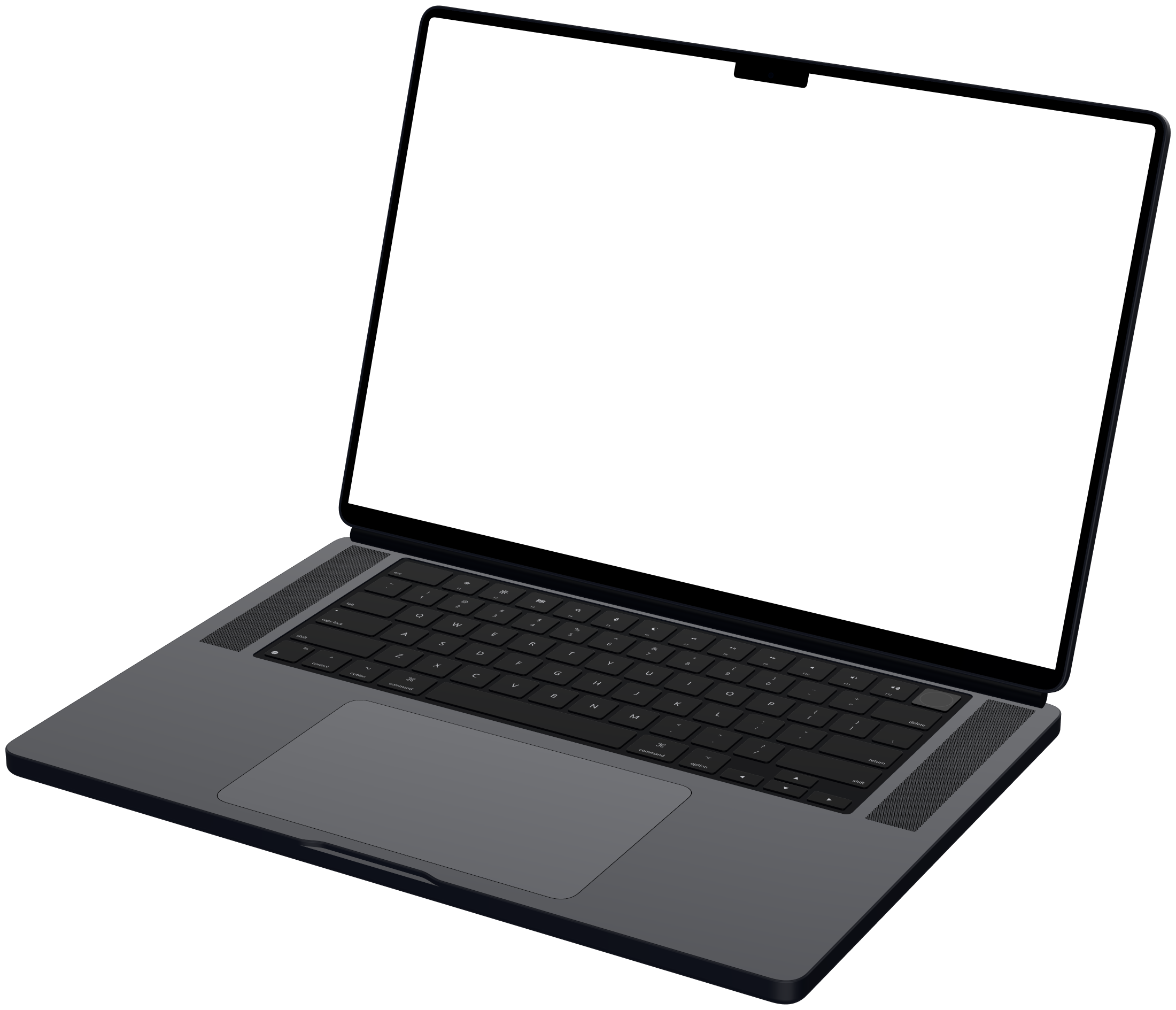
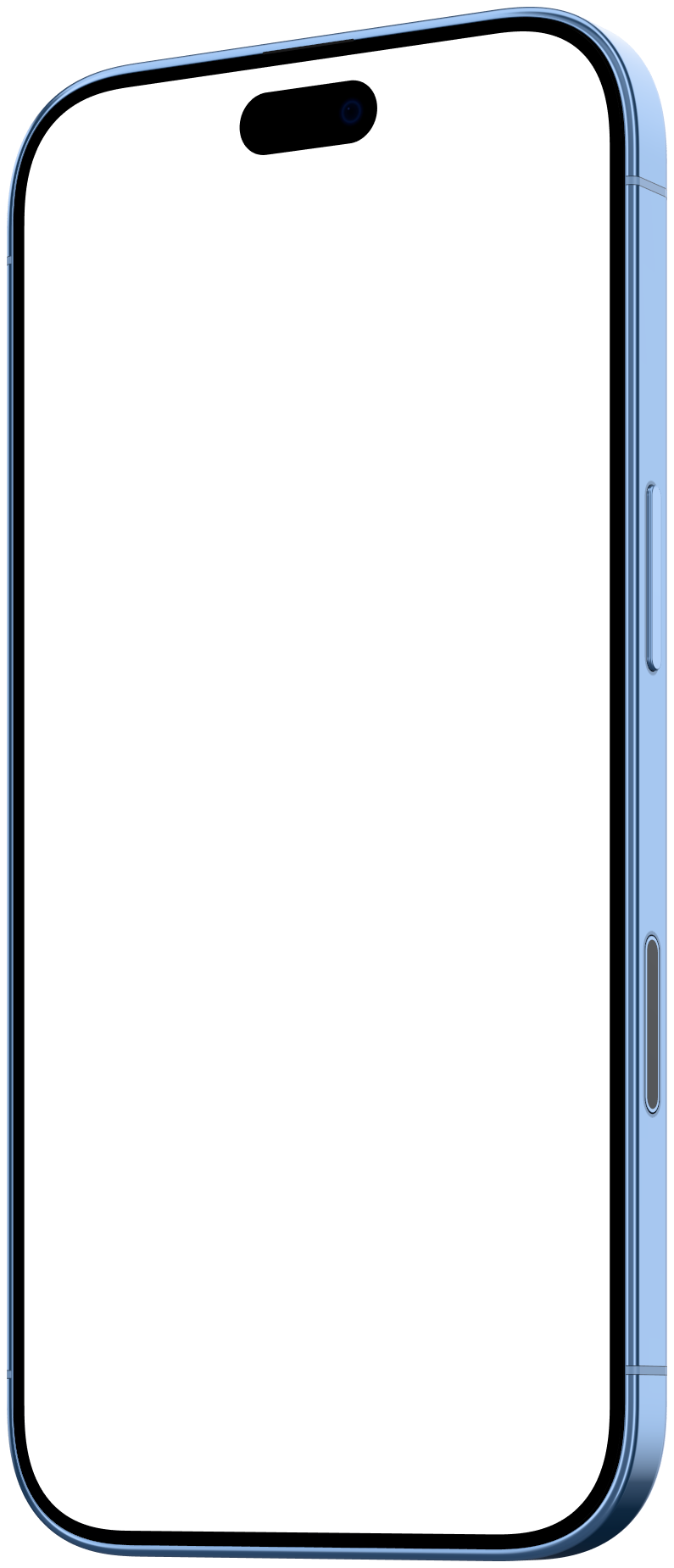
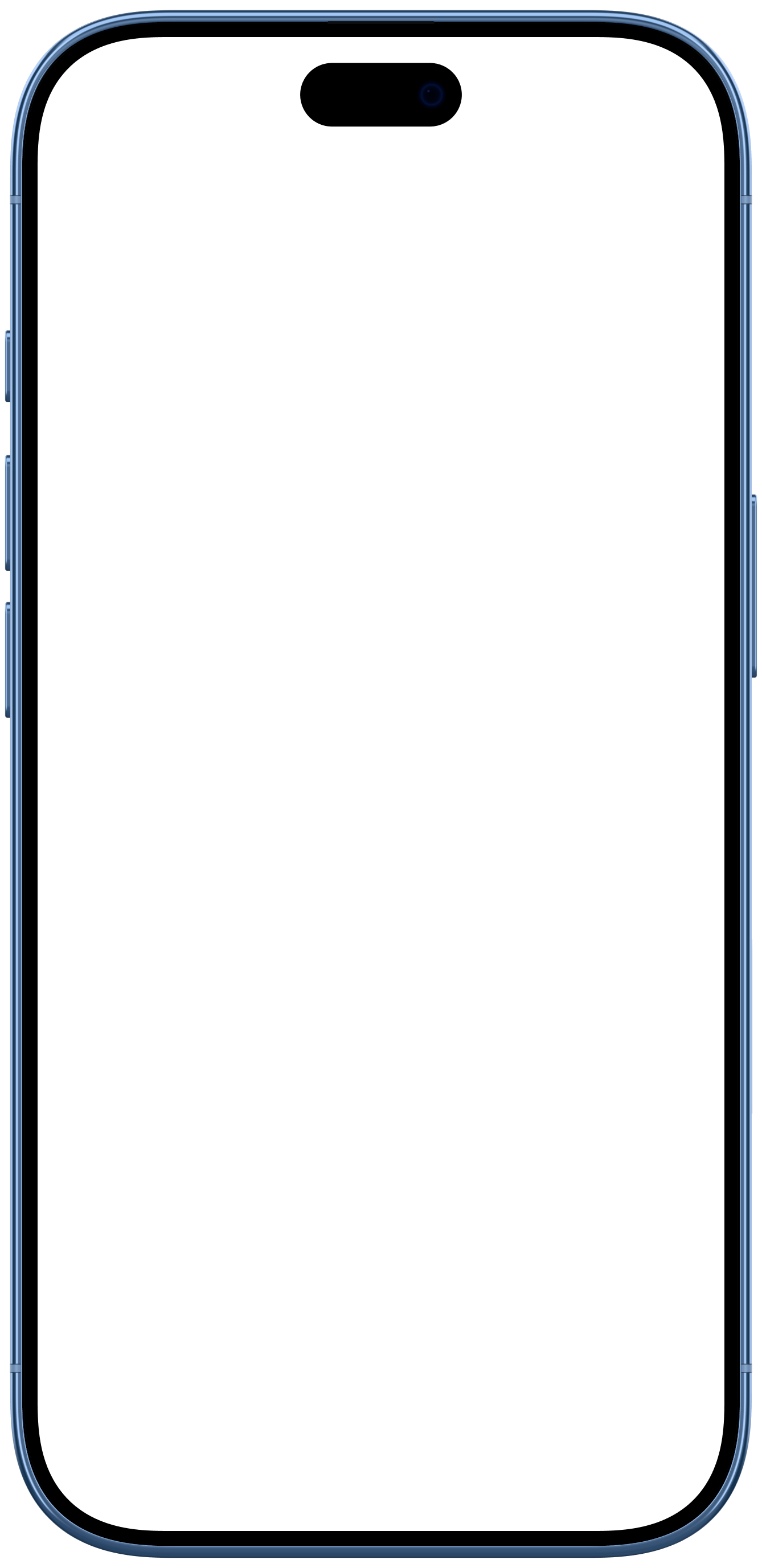
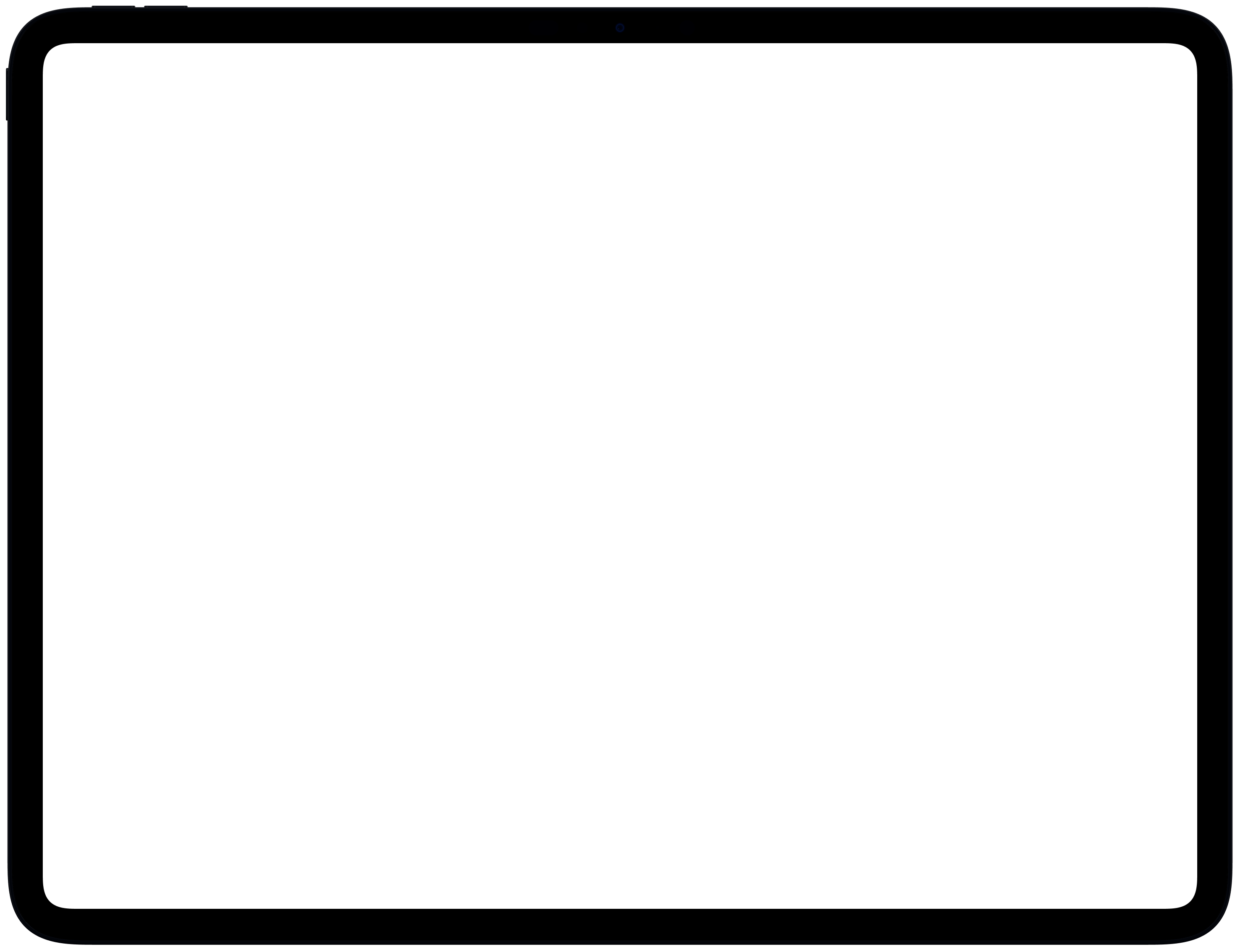
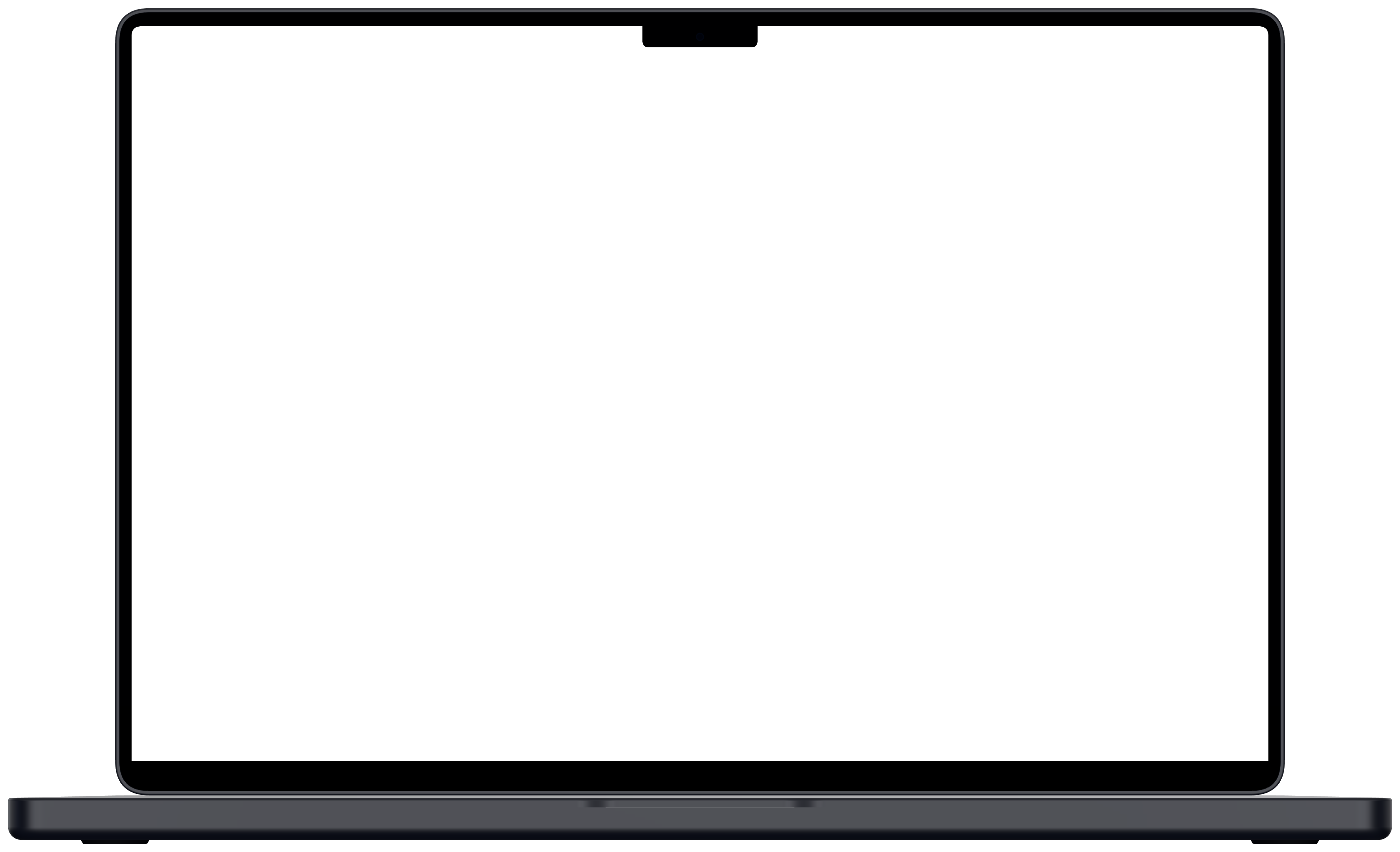
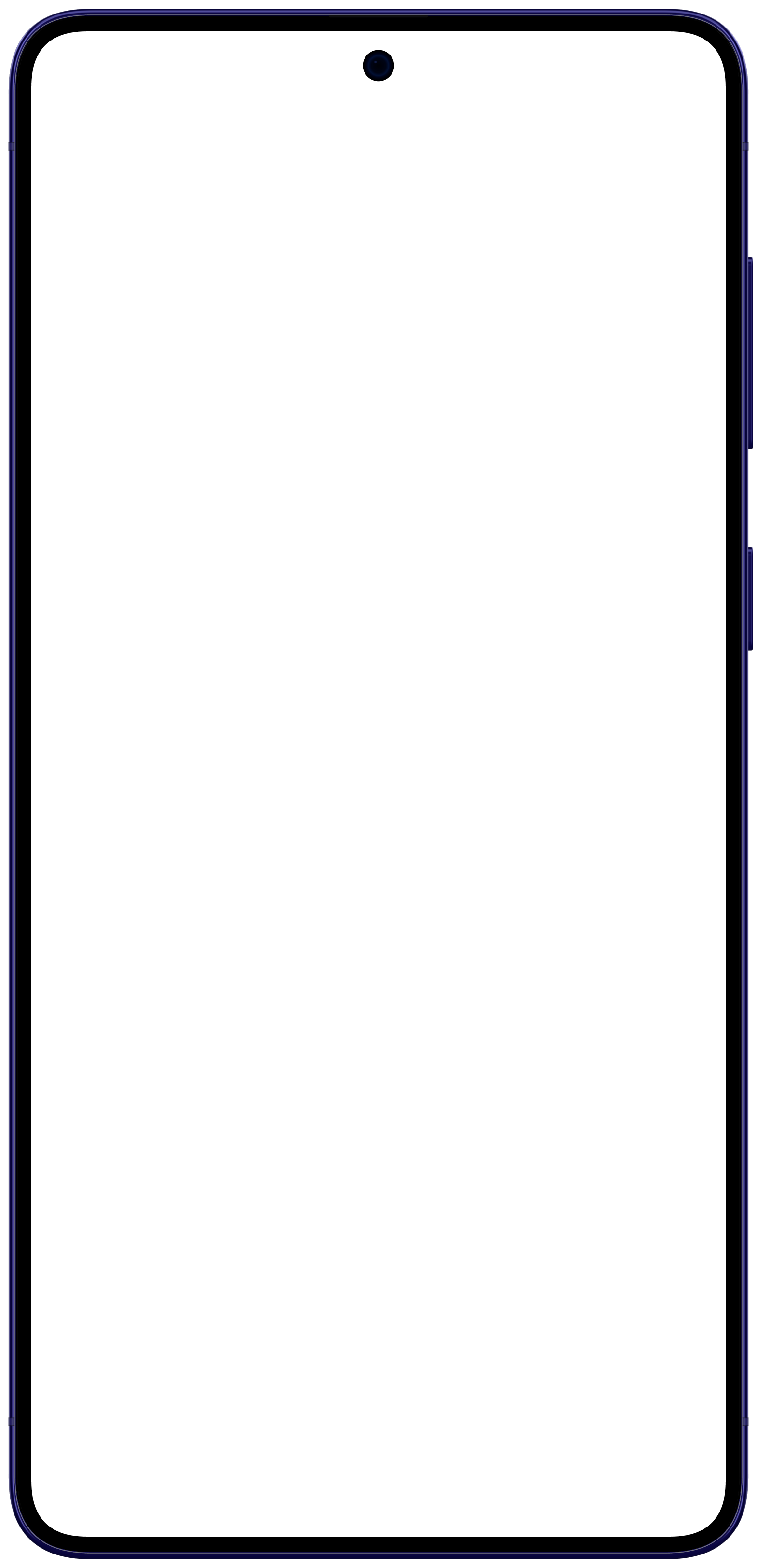
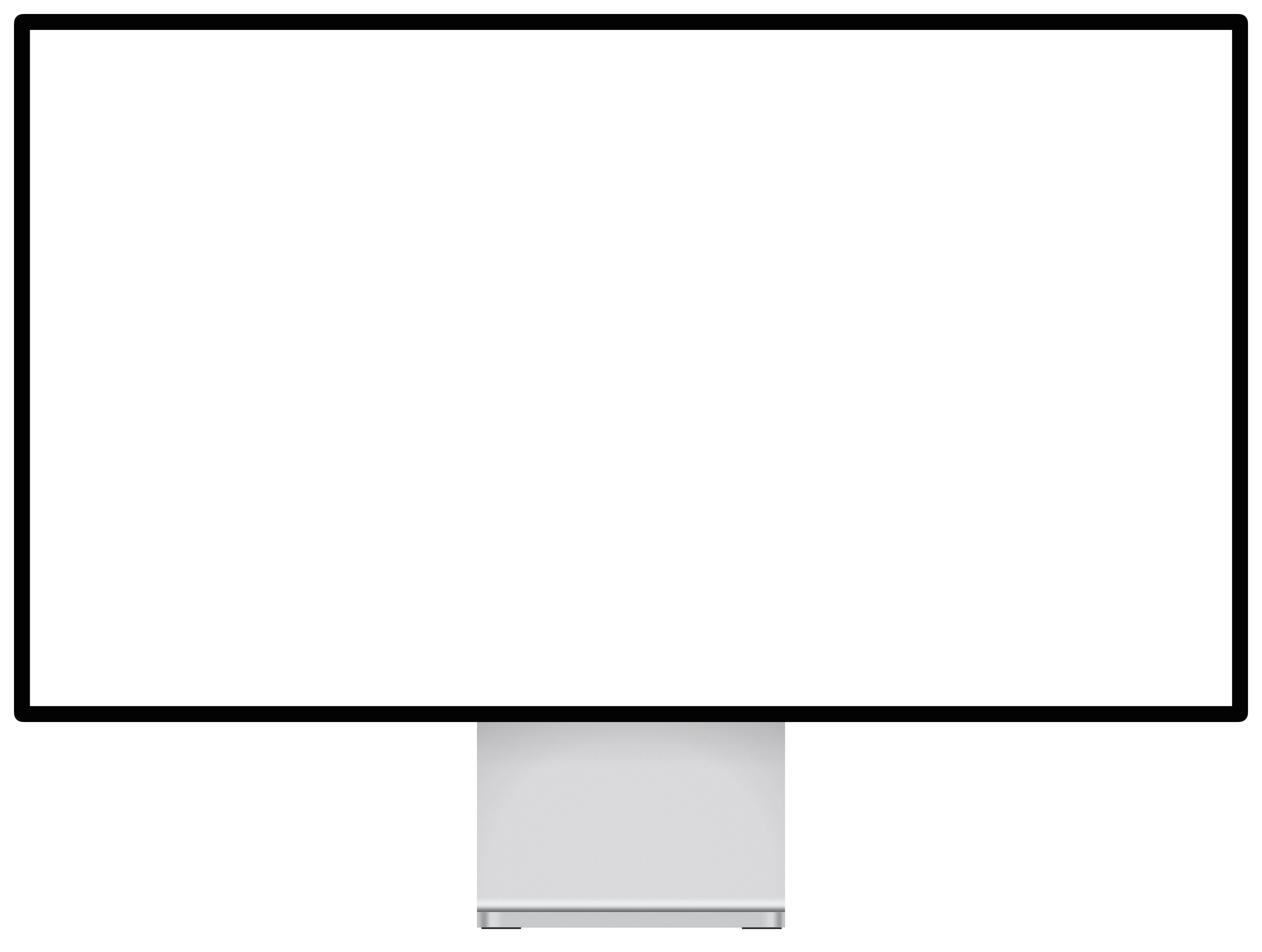
Mockya has 23 device frames for screen recordings: iPhone 16, 17 and 18 and iPhone Air, iPad Pro, MacBook Air and Pro, Google Pixel 11, Samsung Galaxy S24 to S26 Ultra and Galaxy Z Fold 8 (open and closed), the Pro Display XDR and Studio Display, and Safari and Chrome windows in light and dark. Every phone, tablet, laptop and display comes in Front, Left and Right angles.





Which device frame should I use?
Frame the recording in the device it was made on, or the one your audience uses. For a web product, a laptop sells the product and a browser window shows the page.
- An iPhone appiPhone 18 Pro or 17 Pro9:16, 4:5
- An Android appGalaxy S26 Ultra or Pixel 11 Pro9:16, 4:5
- An iPad appiPad Pro 13 inch16:9, 4:3
- A web app, shown as a productMacBook Pro 16 or MacBook Air 1316:9, 2:1
- A website, shown as a pageBrowser window, light or dark16:9, 1:1
- A pro or desktop appPro Display XDR16:9, 4:3
What resolution is each device frame?
The native panel resolution each frame stands for. Record at that size, or any size with the same shape, and the clip fills the screen with nothing cropped.
| Device | Family | Year | Native resolution | Shape |
|---|---|---|---|---|
| Apple iPhone 18 Pro Max | iPhone | 2026 | 1,320 × 2,868 | 9:19.6 |
| Apple iPhone 18 Pro | iPhone | 2026 | 1,206 × 2,622 | 9:19.6 |
| Apple iPhone Air | iPhone | 2025 | 1,260 × 2,736 | 9:19.5 |
| Apple iPhone 17 Pro | iPhone | 2025 | 1,206 × 2,622 | 9:19.6 |
| Apple iPhone 17 | iPhone | 2025 | 1,206 × 2,622 | 9:19.6 |
| Apple iPhone 16 Pro | iPhone | 2024 | 1,206 × 2,622 | 9:19.6 |
| Apple iPhone 16 | iPhone | 2024 | 1,179 × 2,556 | 9:19.5 |
| iPad Pro 13" | iPad | 2025 | 2,752 × 2,064 | 4:3 |
| iPad Pro 11" | iPad | 2025 | 2,420 × 1,668 | 16:11 |
| MacBook Pro 16" | MacBook | 2026 | 3,456 × 2,234 | 16:10.3 |
| MacBook Air 13" | MacBook | 2026 | 2,560 × 1,664 | 16:10.4 |
| Google Pixel 11 Pro | Android phone | 2026 | 1,280 × 2,856 | 9:20.1 |
| Google Pixel 11 | Android phone | 2026 | 1,080 × 2,424 | 9:20.2 |
| Samsung Galaxy Z Fold 8 | Android phone | 2026 | 2,448 × 1,848 | 16:12.1 |
| Samsung Galaxy S26 Ultra | Android phone | 2026 | 1,440 × 3,120 | 9:19.5 |
| Samsung Galaxy S25 Ultra | Android phone | 2025 | 1,440 × 3,120 | 9:19.5 |
| Samsung Galaxy S24 Ultra | Android phone | 2024 | 1,440 × 3,120 | 9:19.5 |
| Apple Studio Display | desktop monitor | 2026 | 5,120 × 2,880 | 16:9 |
| Apple Pro Display XDR | desktop monitor | 2019 | 6,016 × 3,384 | 16:9 |
| Safari | Browser window | 2026 | 1,600 × 948 | 16:9.5 |
| Safari, dark | Browser window | 2026 | 1,600 × 948 | 16:9.5 |
| Google Chrome | Browser window | 2026 | 1,600 × 950 | 16:9.5 |
| Google Chrome, dark | Browser window | 2026 | 1,600 × 950 | 16:9.5 |
Device questions, answered
Which devices does Mockya have?
23 frames: iPhone 16, 17 and 18 models and iPhone Air, iPad Pro 11 and 13 inch, MacBook Air 13 and MacBook Pro 16, Google Pixel 11 and 11 Pro, Samsung Galaxy S24, S25 and S26 Ultra, the Apple Pro Display XDR and Studio Display, and a browser window in light and dark.
How accurate are the device frames?
Each frame is rendered from the maker's published dimensions, with the screen opening measured to the pixel. Your recording sits under the glass at the panel's native aspect and never runs past the bezel.
Can I animate the device itself?
Not with keyframes, on purpose. Pick an angle and your recording plays inside it. For camera moves, a timeline tool suits you better.
What if my recording doesn't match the screen's shape?
By default Mockya fills the screen (Fill) and trims the overflow evenly from the edges. Switch to Fit and the whole recording shows, with bars where the shapes differ. Recording at the device's native aspect avoids both.
Can I request a device?
Yes. Email hello@mockya.app with the device you need. New devices are added to the library as they launch.
Your recording, launch-ready in a minute.
Drop in a screen recording, pick a device and export every size you need. Editing is free, and new accounts get 25 credits.
Your files never leave your machine.