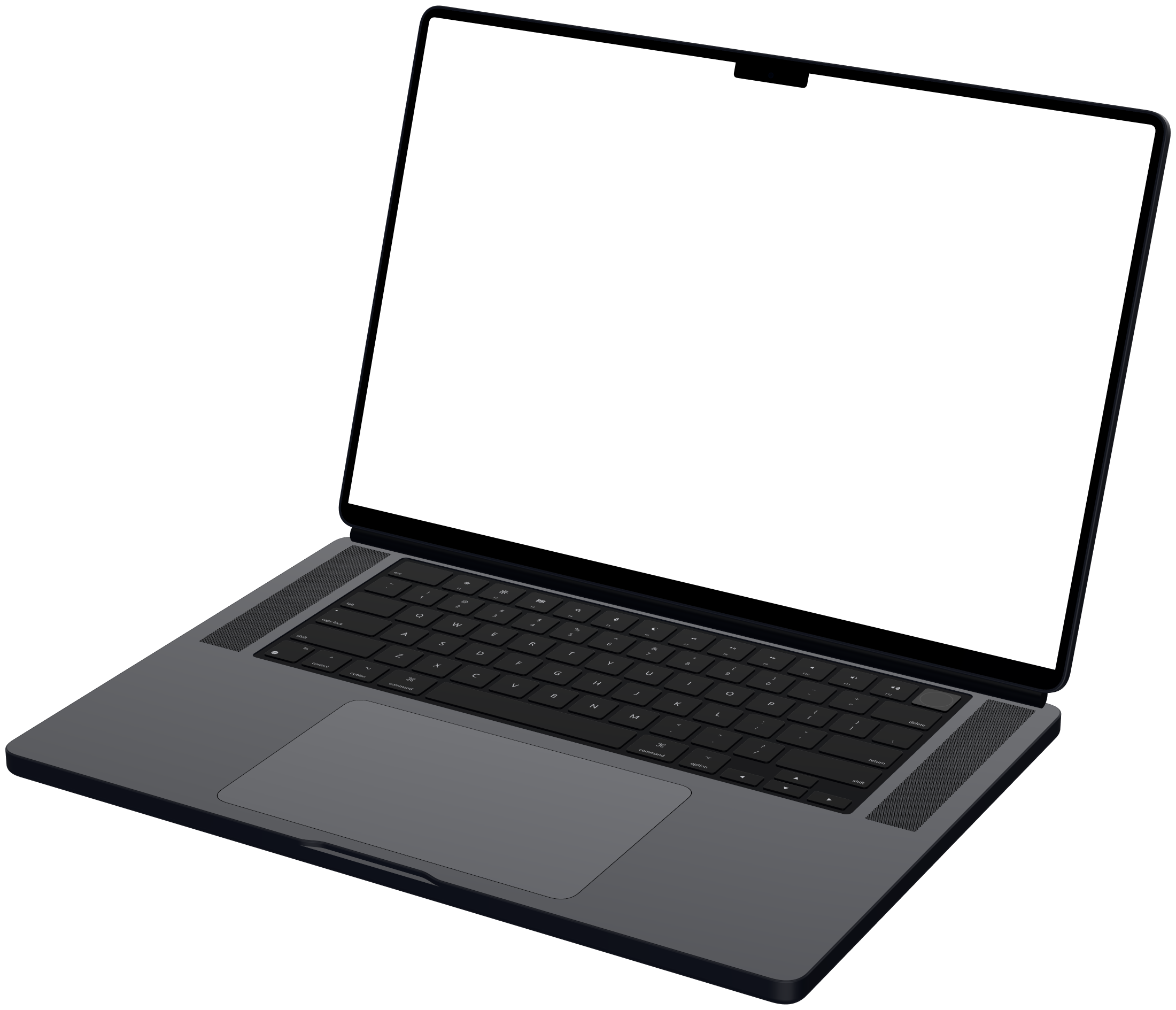
Apple Pro Display XDR mockup
Mockya frames your screen recording in a rendered Apple Pro Display XDR, in Front, Left and Right angles. Its screen is 6,016 × 3,384 pixels, a 16:9 shape, so a recording of that size or shape fills the glass exactly. Export MP4, WebM, GIF or PNG up to 4K, in several sizes at once, with no watermark.

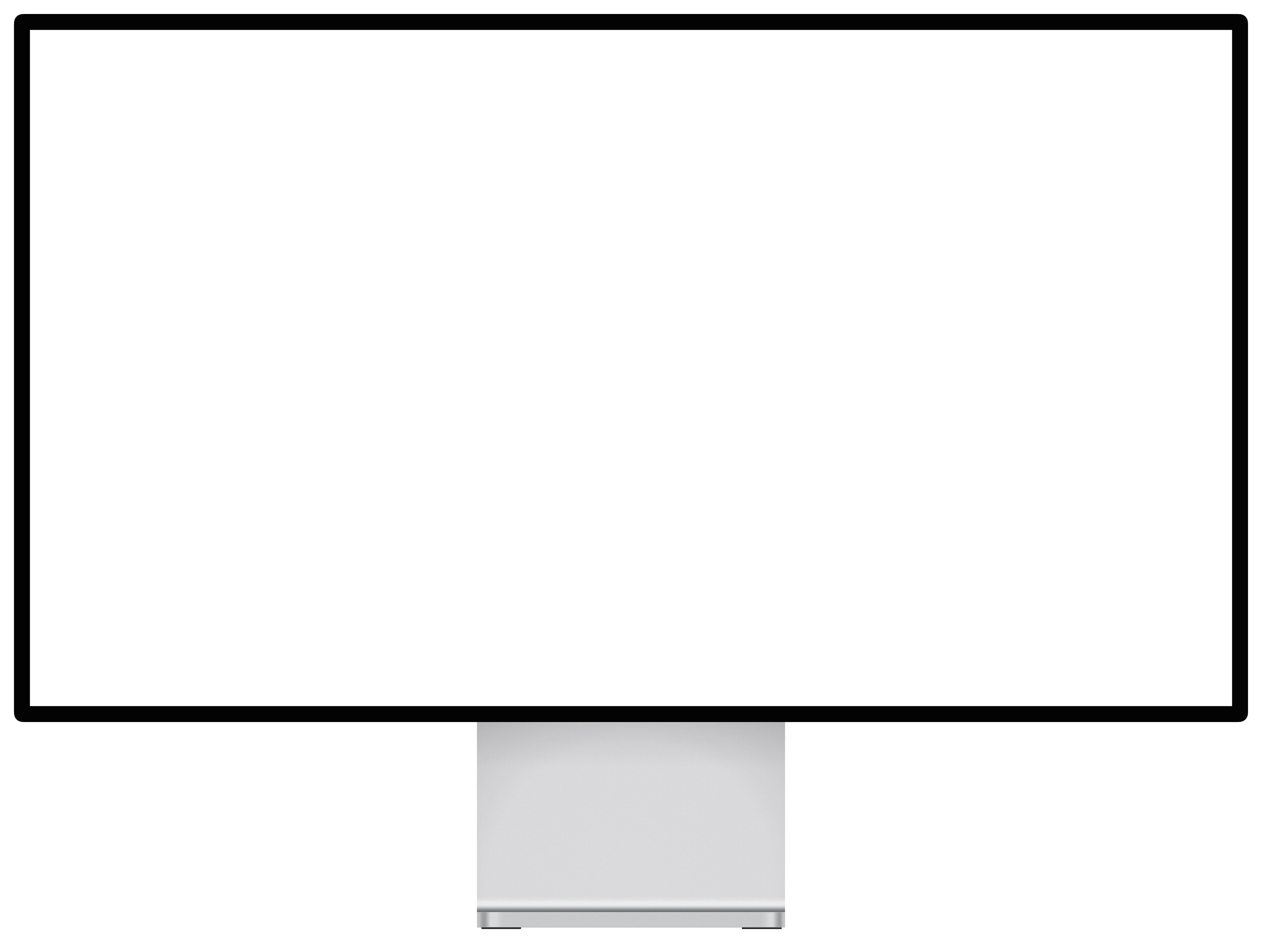
- Native resolution
- 6,016 × 3,384
- Screen shape
- 16:9
- Angles
- 3
- Released
- 2019
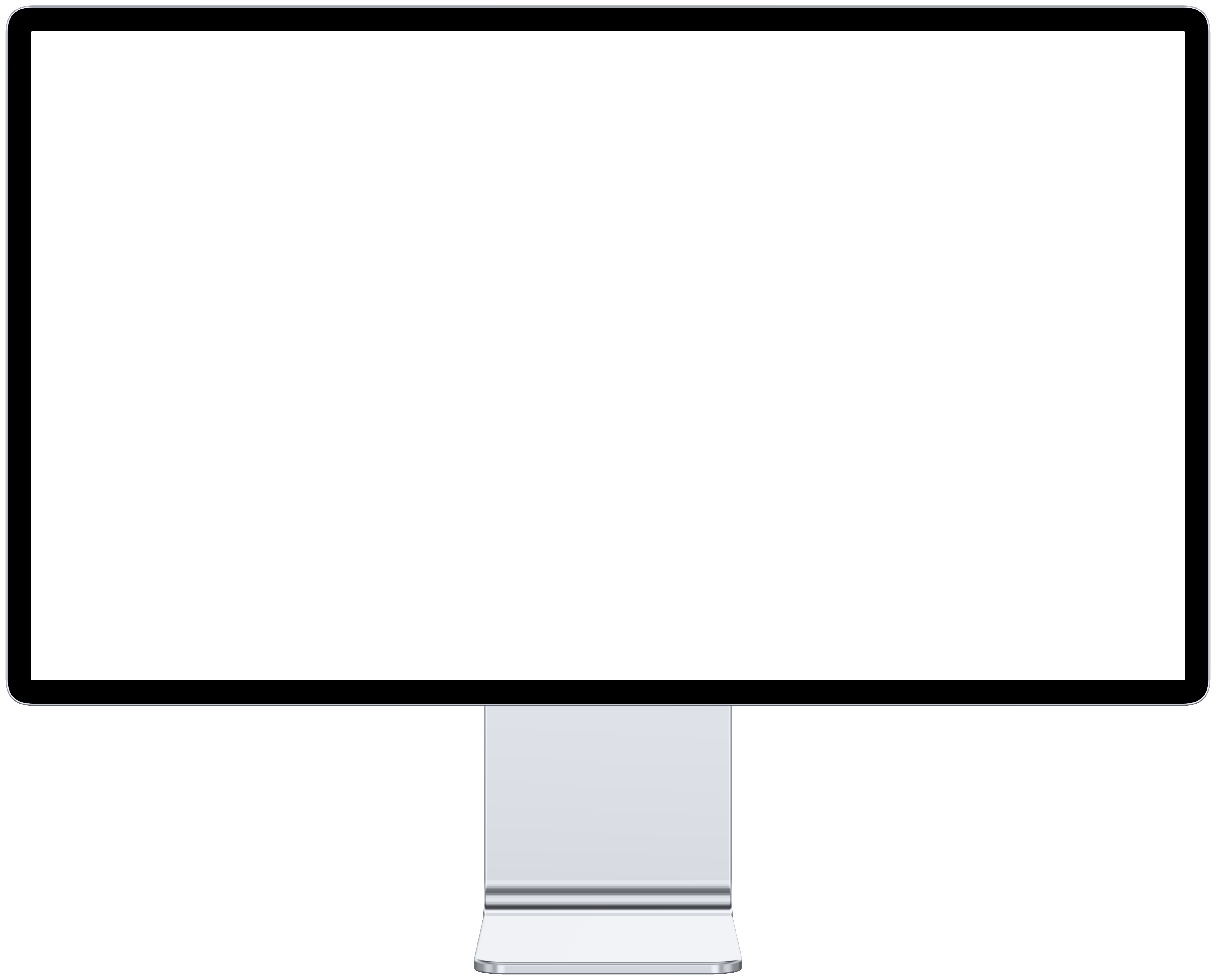
What angles does the Pro Display XDR mockup come in?
Front, Left and Right, each a separate render of the device rather than the front view skewed. Your recording is mapped into each one's screen in perspective.

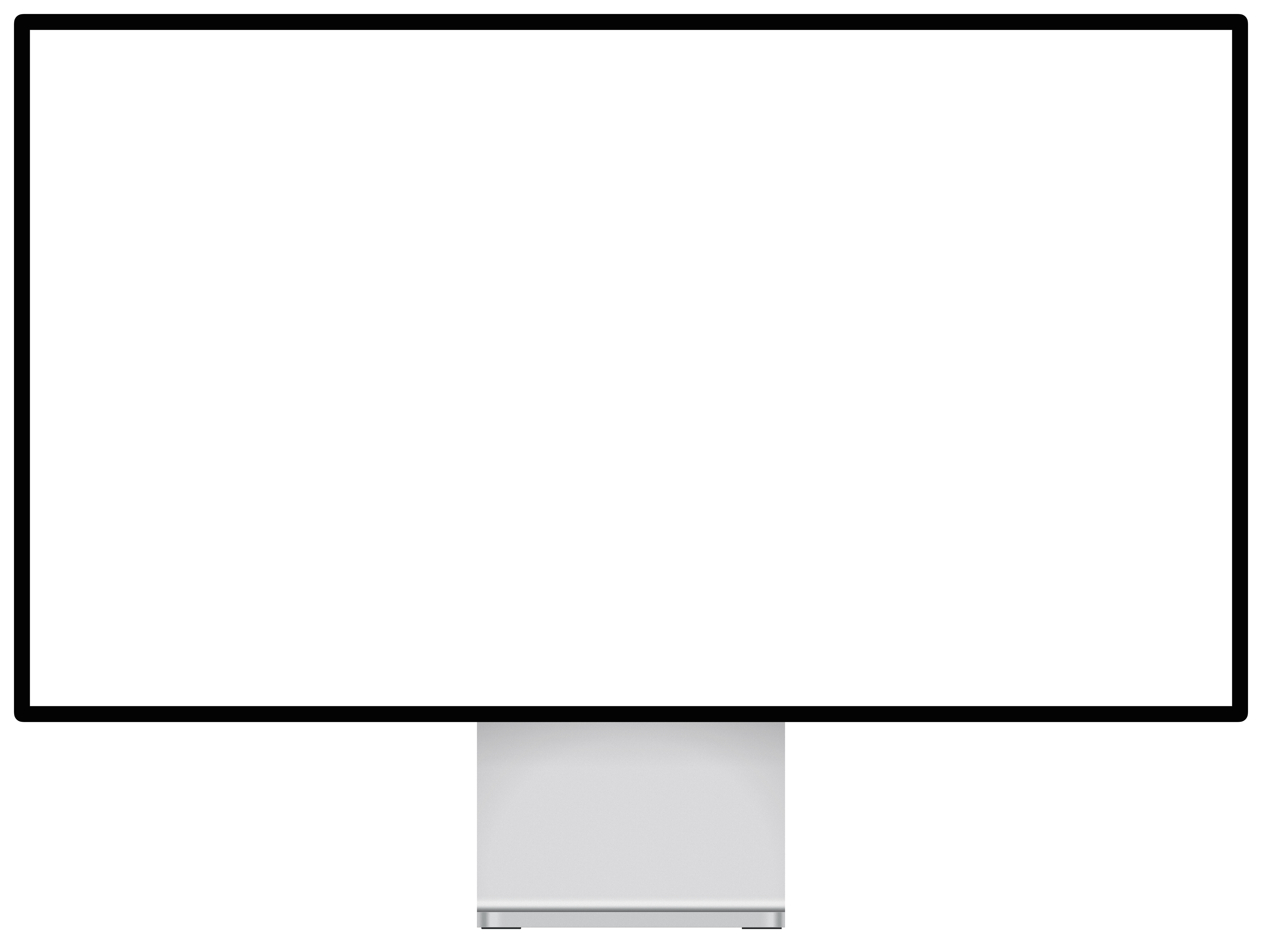 FrontUse this angle
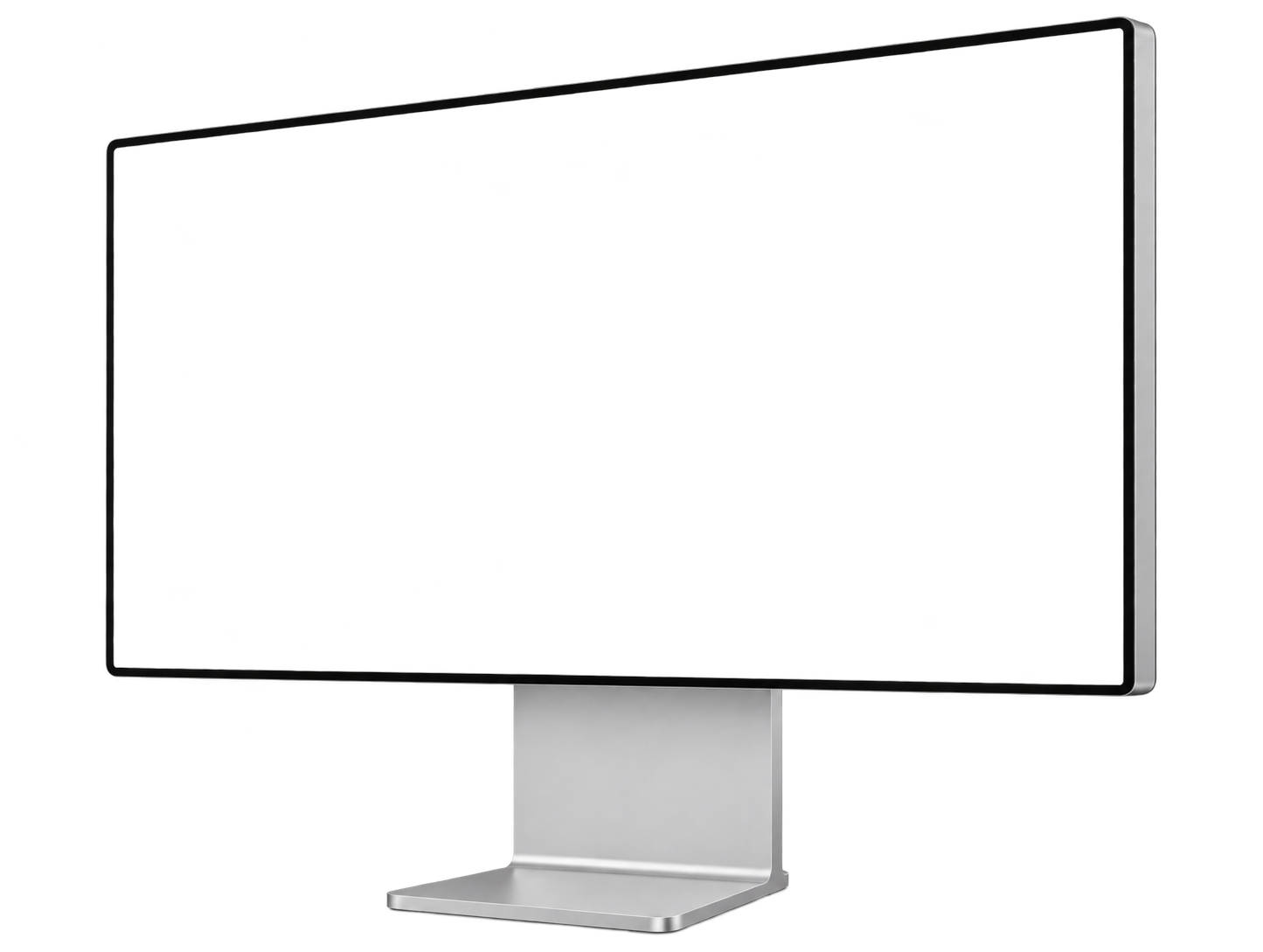 LeftUse this angle
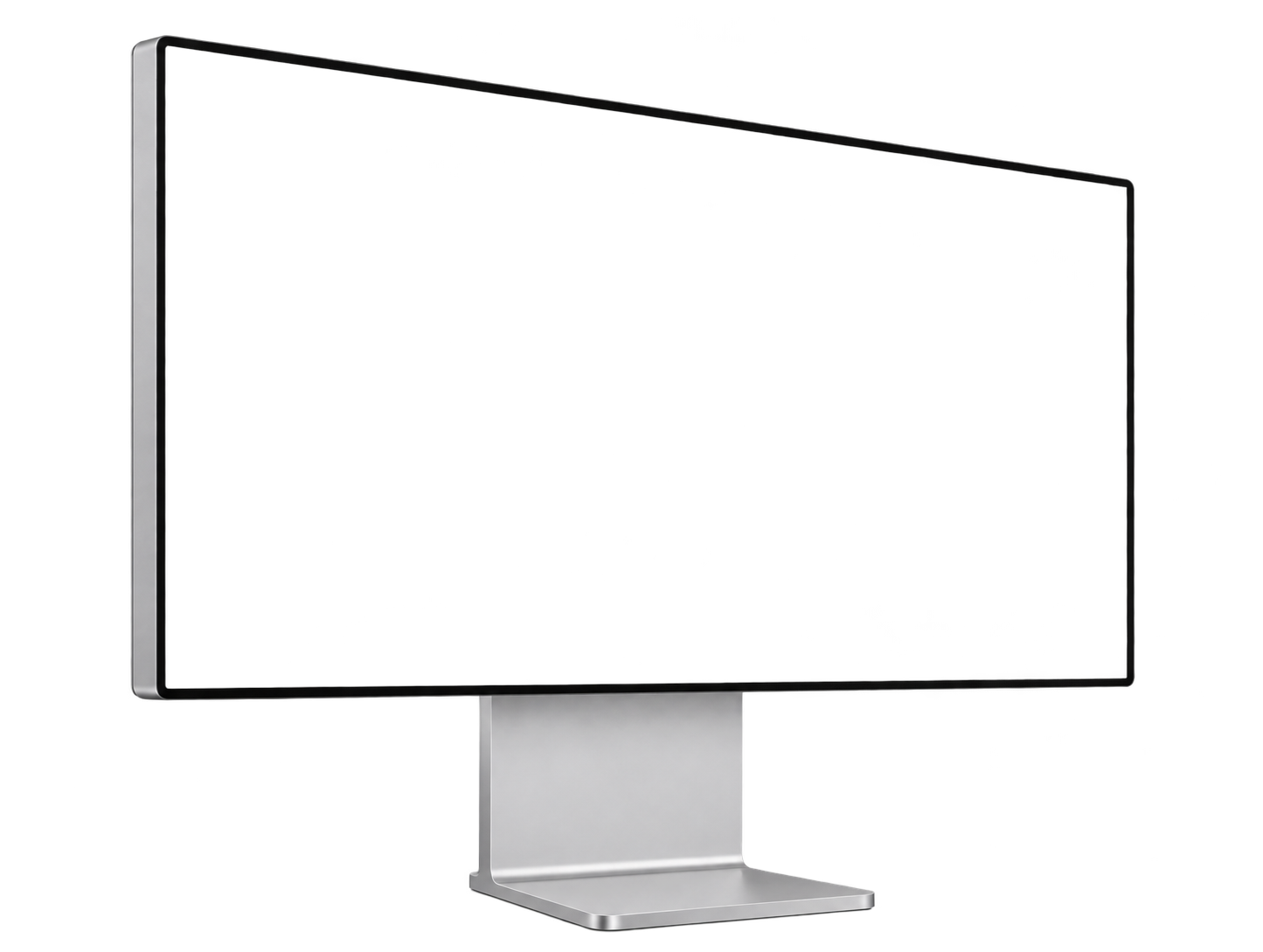 RightUse this angle
What size should I record for the Pro Display XDR?
Record at 6,016 × 3,384, the panel's native resolution, or any size with the same 16:9 shape. Here is how large the screen lands on the canvases that suit it, at the studio's default framing.
| Canvas | Screen at 1× | Screen at 2× | A native recording is sharp at |
|---|---|---|---|
| 16:9 · 1,920 × 1,080Site hero, YouTube | 1,106 × 622 | 2,212 × 1,244 | 1× and 2× |
| 2:1 · 1,600 × 800Open Graph, Twitter card | 819 × 461 | 1,638 × 922 | 1× and 2× |
| 4:3 · 1,600 × 1,200Template marketplaces | 1,229 × 691 | 2,458 × 1,382 | 1× and 2× |
What if my recording is a different shape?
A 1920 × 1080 (16:9) screen recording has the same shape as the Pro Display XDR's screen, so it fills the glass with nothing trimmed.
Does a bigger recording help?
Only up to the size the screen is drawn on the canvas, shown in the table above. Past that, extra pixels are scaled away. Zooming in on the device in the studio draws the screen larger, and raises what it can use.
How do I record my screen for a desktop monitor frame?
- 1
Press Shift-Command-5 and choose Record Entire Screen, or Record Selected Portion to capture one window.
- 2
Under Options, pick where the file goes and whether to show mouse clicks, then click Record.
- 3
Run through your demo, then click the stop button in the menu bar. The clip lands as a MOV, which Mockya reads as it is.
The Pro Display XDR is exactly 16:9, so any 16:9 recording, 1920 × 1080 or 3840 × 2160, fills it with nothing cropped.
Which other desktop monitor frames are there?

Pro Display XDR mockup questions
What is the Apple Pro Display XDR screen resolution?
6,016 × 3,384 pixels, a 16:9 shape. Mockya's Apple Pro Display XDR frame maps your recording to exactly that panel, under the glass and never past the bezel.
What size should I record for a Apple Pro Display XDR mockup?
6,016 × 3,384, or any recording with the same 16:9 shape. 16:9 at 1× draws the screen at 1,106 × 622, so a native recording is sharp at 1× and 2×.
Which angles does the Apple Pro Display XDR mockup have?
Front, Left and Right. Each is its own rendered view of the device, and you switch between them in one click without re-placing anything.
Can I use the Apple Pro Display XDR mockup commercially?
Yes. Everything you export from Mockya can be used commercially, with no attribution and no watermark. The device frame itself can't be resold on its own as a mockup or template.
Your recording, in the Pro Display XDR.
Drop in a screen recording, pick a device and export every size you need. Editing is free, and new accounts get 25 credits.
Your files never leave your machine.