Mockya vs Mockpose
Mockpose is a browser tool that places an app screen or website in a 3D Apple device, lets you light the scene and animate the camera, and exports 4K video and App Store screenshots, with a free tier up to 720p. Mockya skips the camera work: it frames your recording at a set angle and exports every social size at once.
Facts about Mockpose are from mockpose.com, checked October 2026. Prices and plans change, so check their site before you buy.
Mockya
Screen recordings in device frames, every size at once
- Runs on
- Any desktop browser, nothing to install
- Pricing
- Pay per export with credits from $5, bought once, never expire
Mockpose
Browser-based 3D Apple device scenes
- Runs on
- Web app
- Pricing
- Free tier up to 720p; paid plans for more
How do Mockya and Mockpose compare?
Feature by feature, from what each product says about itself. Mockpose is good at what it does; the question is which job you have.
| Mockya | Mockpose | |
|---|---|---|
| Where it runs | Any desktop browser, nothing to install | Web app |
| How you make motion | Your recording plays inside a fixed angle; no keyframes | Animate the camera around a 3D scene, by hand or with AI |
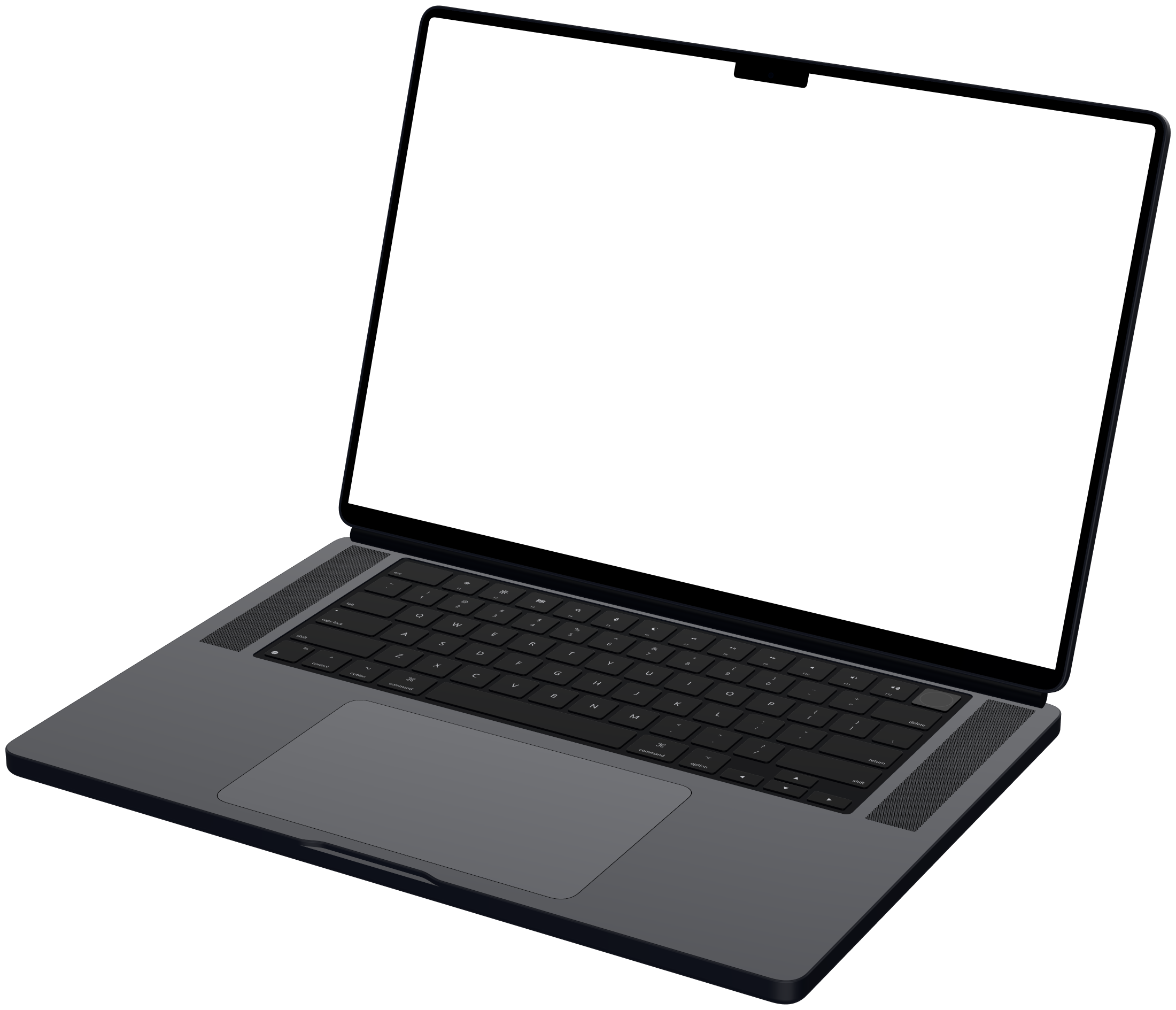
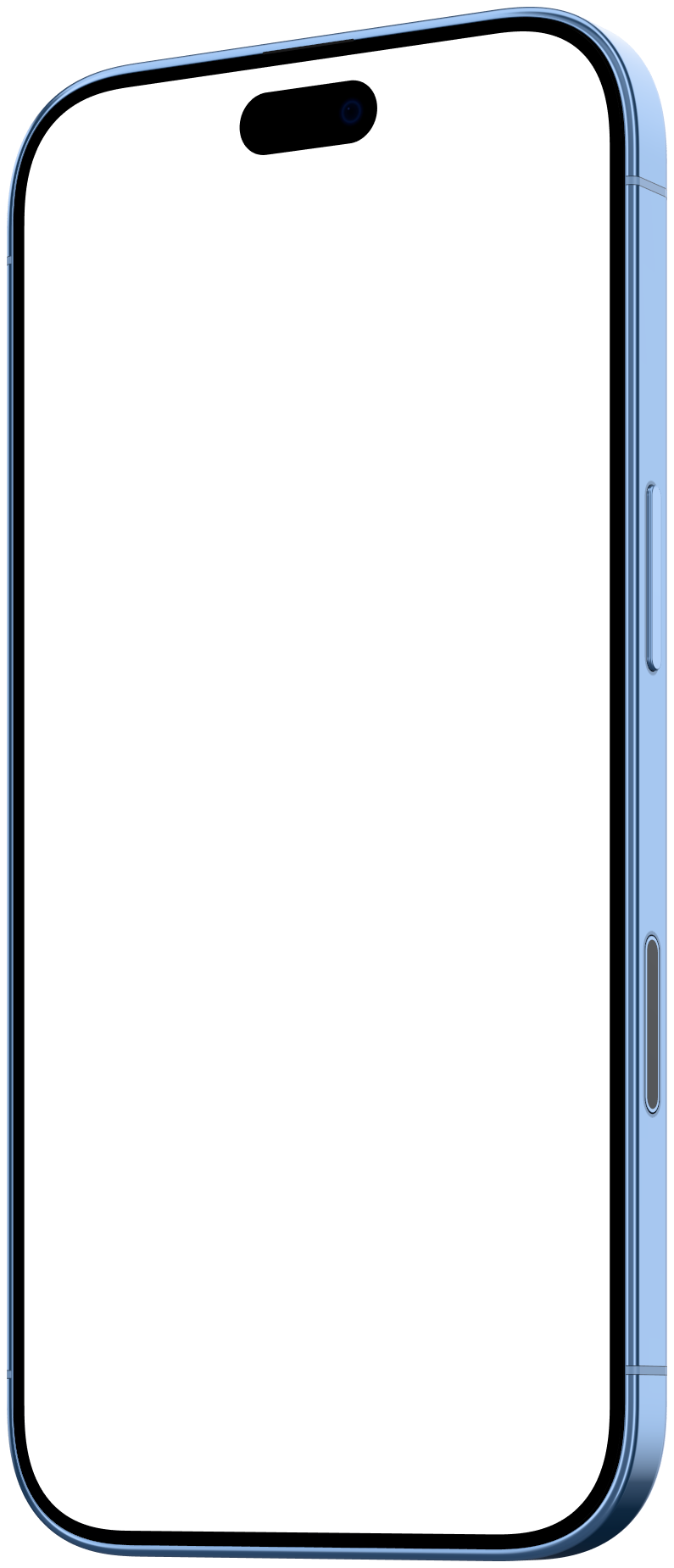
| Devices | 23 frames: iPhone, iPad, MacBook, Pixel, Galaxy, displays, browser | 3D Apple devices |
| Output | MP4, WebM, GIF and PNG, up to 4K | Up to 4K video, App Store screenshots and composite screenshots |
| Free tier | Editing, preview and PNG stills are free, no watermark | Exports up to 720p |
Should I use Mockpose or Mockya?
Mockpose is best for: animated 3D camera moves around Apple devices, in the browser. Mockya is best when you have a recording and need it framed and sized fast.
Choose Mockpose if
- You want the camera to move around the device, with lighting control
- You only need Apple devices
- You are producing App Store screenshot sets alongside the video
Choose Mockya if
- You need Android phones too: Pixel and Galaxy
- You want a finished video without directing a camera
- You need four social sizes from one export
- You want files to stay on your computer
Mockya and Mockpose: questions
Other comparisons
What is the difference between Mockya and Mockpose?
Mockpose is a browser tool that places an app screen or website in a 3D Apple device, lets you light the scene and animate the camera, and exports 4K video and App Store screenshots, with a free tier up to 720p. Mockya skips the camera work: it frames your recording at a set angle and exports every social size at once.
Is Mockya a Mockpose alternative?
Yes, if you want framed recordings rather than camera animation. Both run in the browser. Mockpose builds 3D scenes you animate; Mockya frames your recording at a set angle and exports every size at once, with Android devices as well as Apple.
Does Mockya have Android devices?
Yes: the Google Pixel 11 and 11 Pro and the Samsung Galaxy S24, S25 and S26 Ultra, each in Front, Left and Right angles.
Have a recording? Frame it before you finish reading about Mockpose.
Drop in a screen recording, pick a device and export every size you need. Editing is free, and new accounts get 25 credits.
Your files never leave your machine.