Can I use exports commercially?
Yes. Every video, GIF and still you export from Mockya is yours to use, for any purpose, commercial or not. This holds for every export: plain PNG stills you save for free, exports paid with your sign-up credits and exports from any credit pack. No pack unlocks a different licence, because there is only one.
What can I use Mockya exports for?
Anything that shows your product, or your client's. For example:
- Landing pages, product pages and documentation
- App Store and Google Play screenshots and app previews
- Paid ads on any network, and organic posts on any social platform
- Product Hunt launches, newsletters, pitch decks and investor updates
- Client work: make the video, hand it over, and your client can use it commercially too
- Templates and products you sell, as long as the device frame is part of a finished design rather than the product itself
App stores and ad networks have their own rules about what screenshots and previews may show. Those rules are separate from this licence, so check each platform's guidelines before you upload.
What can't I do with them?
The licence covers what you make with Mockya, not Mockya's own artwork on its own. You can't:
- Sell, give away or publish the device frames by themselves, as a mockup pack, a template or a kit for others to put their own screens into
- Extract the device artwork from the studio to build another mockup tool or library
- Use Mockya to frame content you don't have the right to use, or content that breaks the law
The full terms are in the Terms of Service; this page is the plain-language version.
Who owns the recording and the export?
You do. Mockya claims no rights over your recordings, your stills or your exports. Your files are read and rendered in your browser and are never uploaded to Mockya, so there is nothing of yours on our servers to own. See the privacy policy for the detail.
Do I need to credit Mockya?
No. There is no attribution requirement and no watermark on any export. If you'd like to mention Mockya, thank you, but it is never a condition of use.
What about Apple, Google and Samsung trademarks?
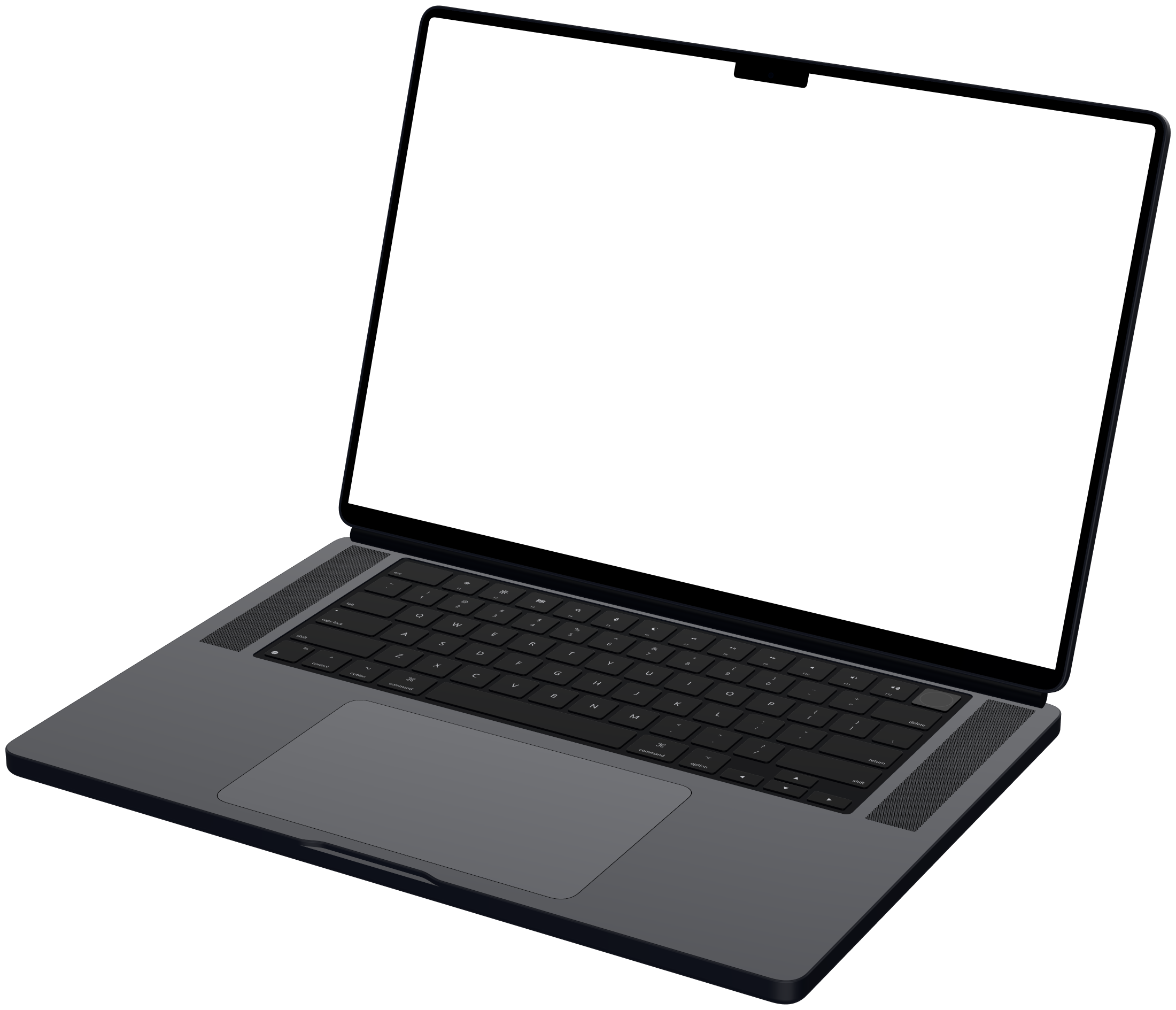
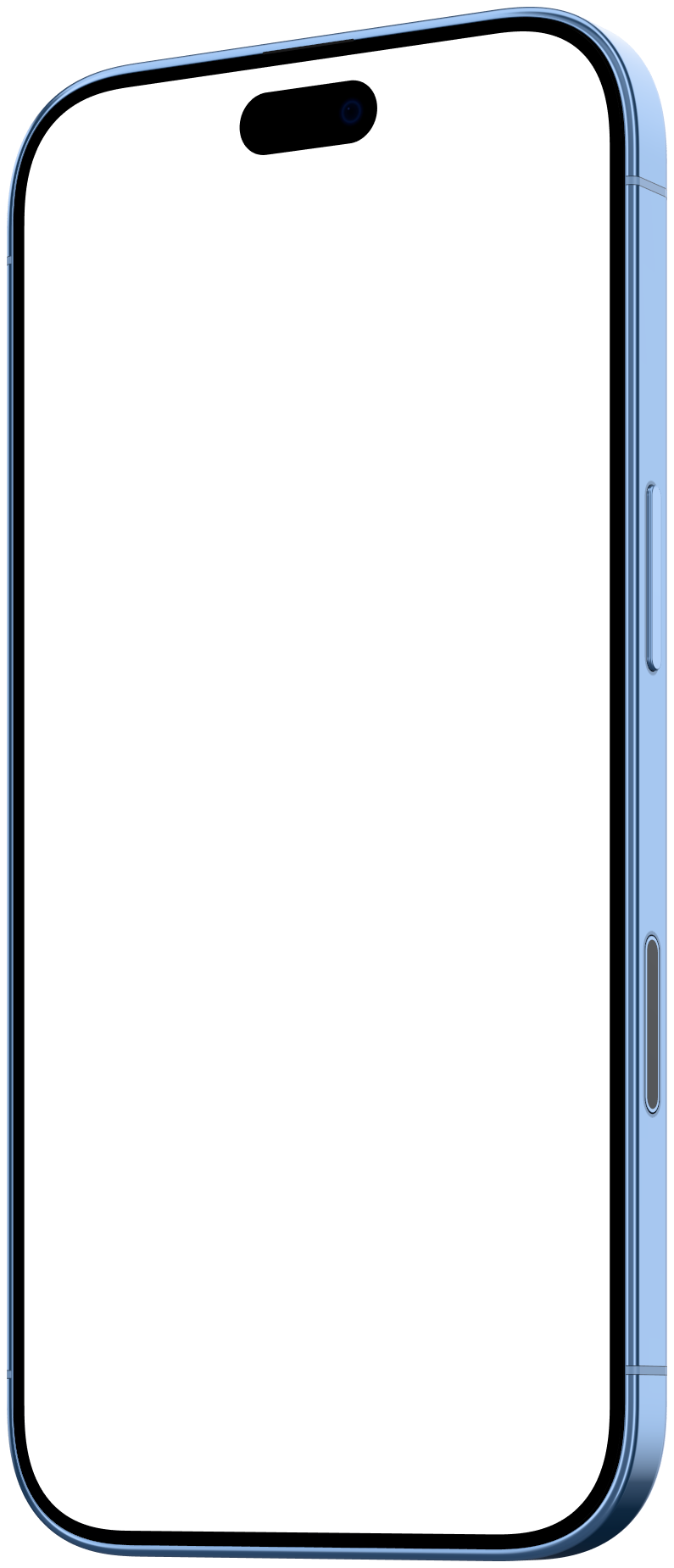
iPhone, iPad, MacBook and Pro Display XDR are trademarks of Apple Inc.; Pixel is a trademark of Google LLC; Galaxy is a trademark of Samsung Electronics. Mockya is not affiliated with, sponsored or endorsed by any of them. The device frames are Mockya's own renders, modelled from the makers' published dimensions, and every wallpaper is original.
When a device appears in your marketing, don't suggest the maker endorses your product, and follow the maker's own guidelines where they apply, such as Apple's guidelines for marketing apps on the App Store.